Compliance done. Now answer management’s questions.
Departmental responsibilities, a risk register and heat map, and a one-page overview for management. Project results rolled up to company level.
The problem
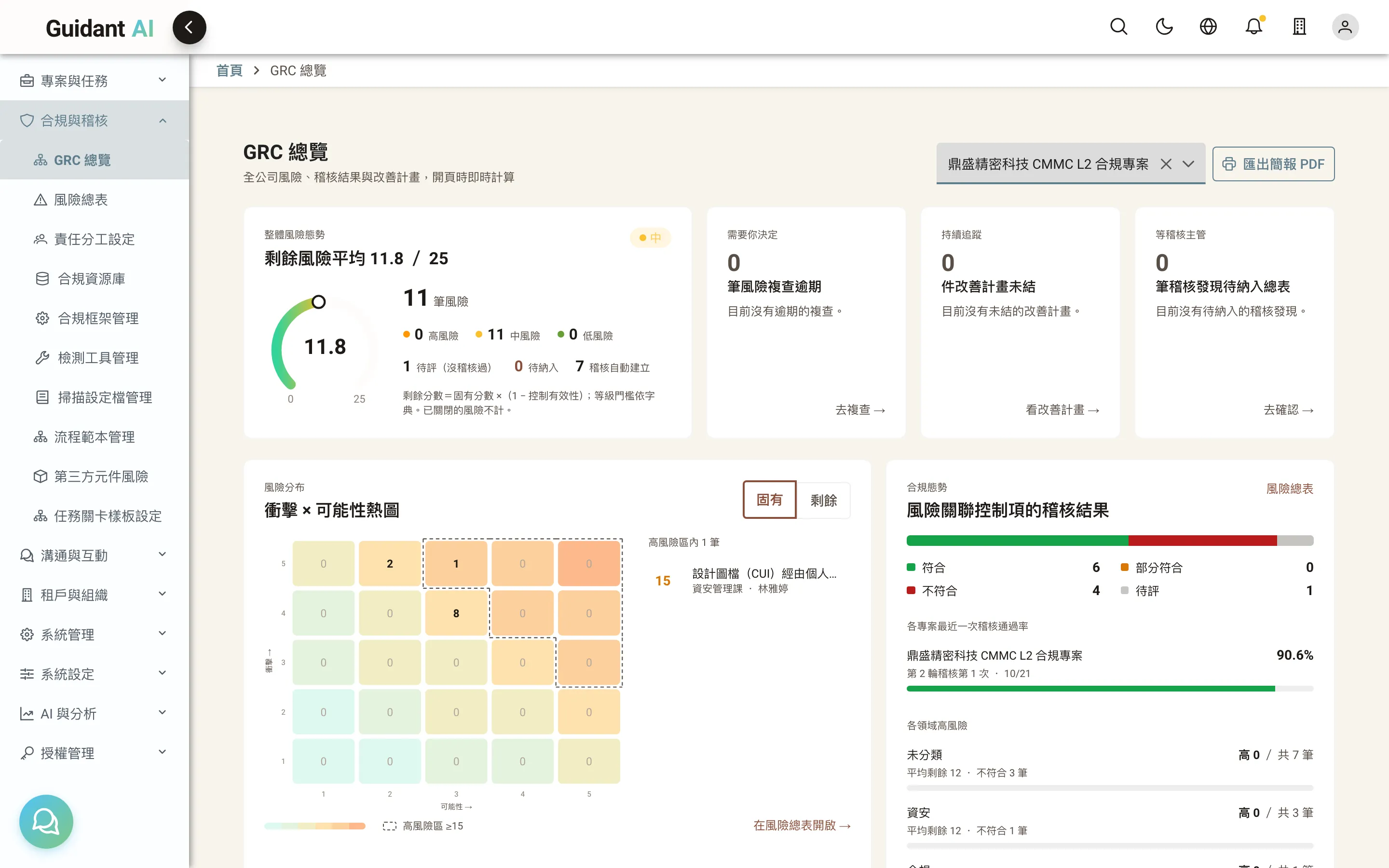
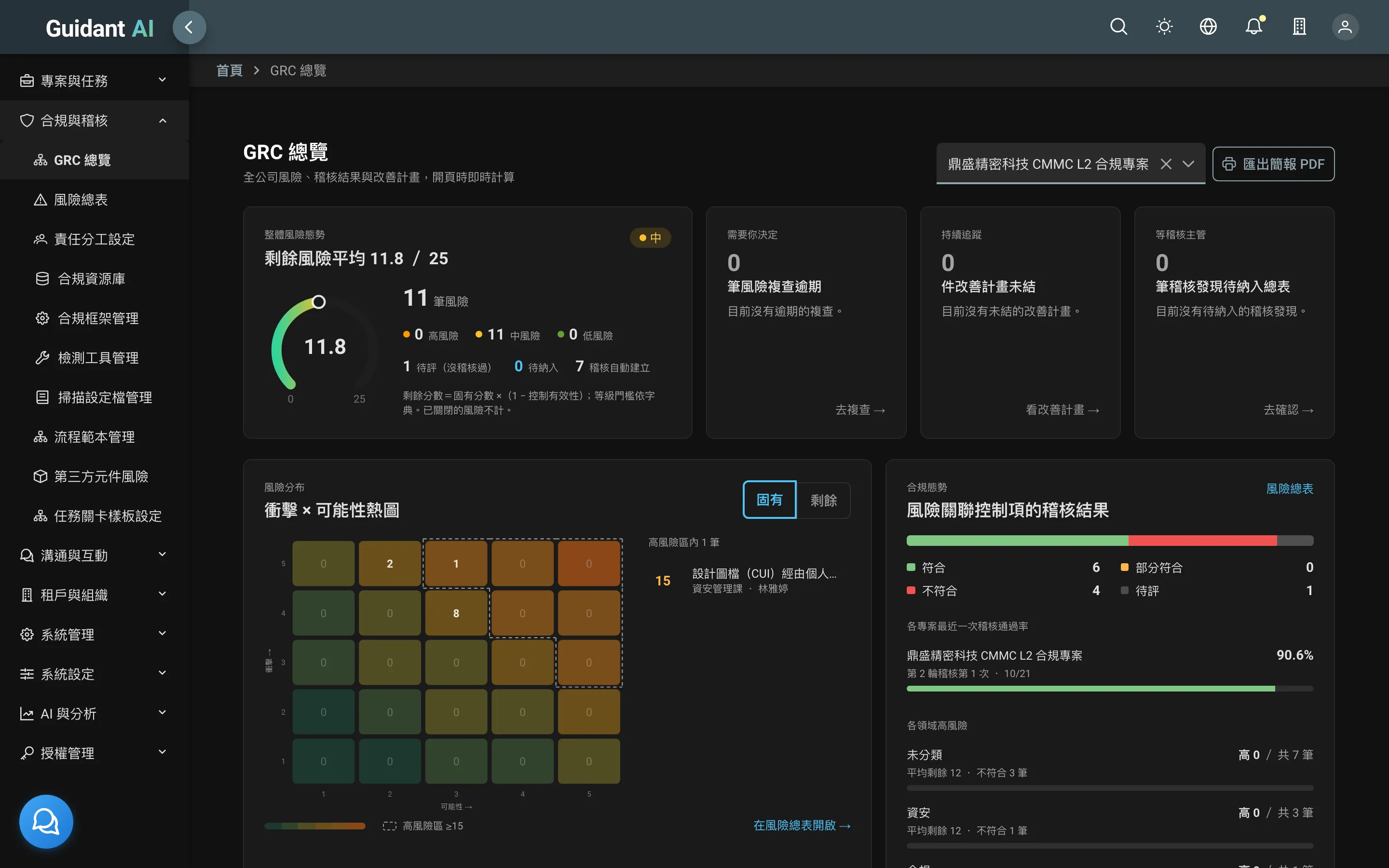
The compliance project is finished and management asks, “So where is our risk? Which department is weakest?” There is no answer, because the data is spread across projects. The GRC module rolls it up to company level.
01
Responsibility matrix (RACI)
For every control: who owns it, who approves it, who needs to know
Map the department tree to controls and set RACI defaults once; new projects apply them automatically. The responsibility matrix in the closing report is generated from here.
02
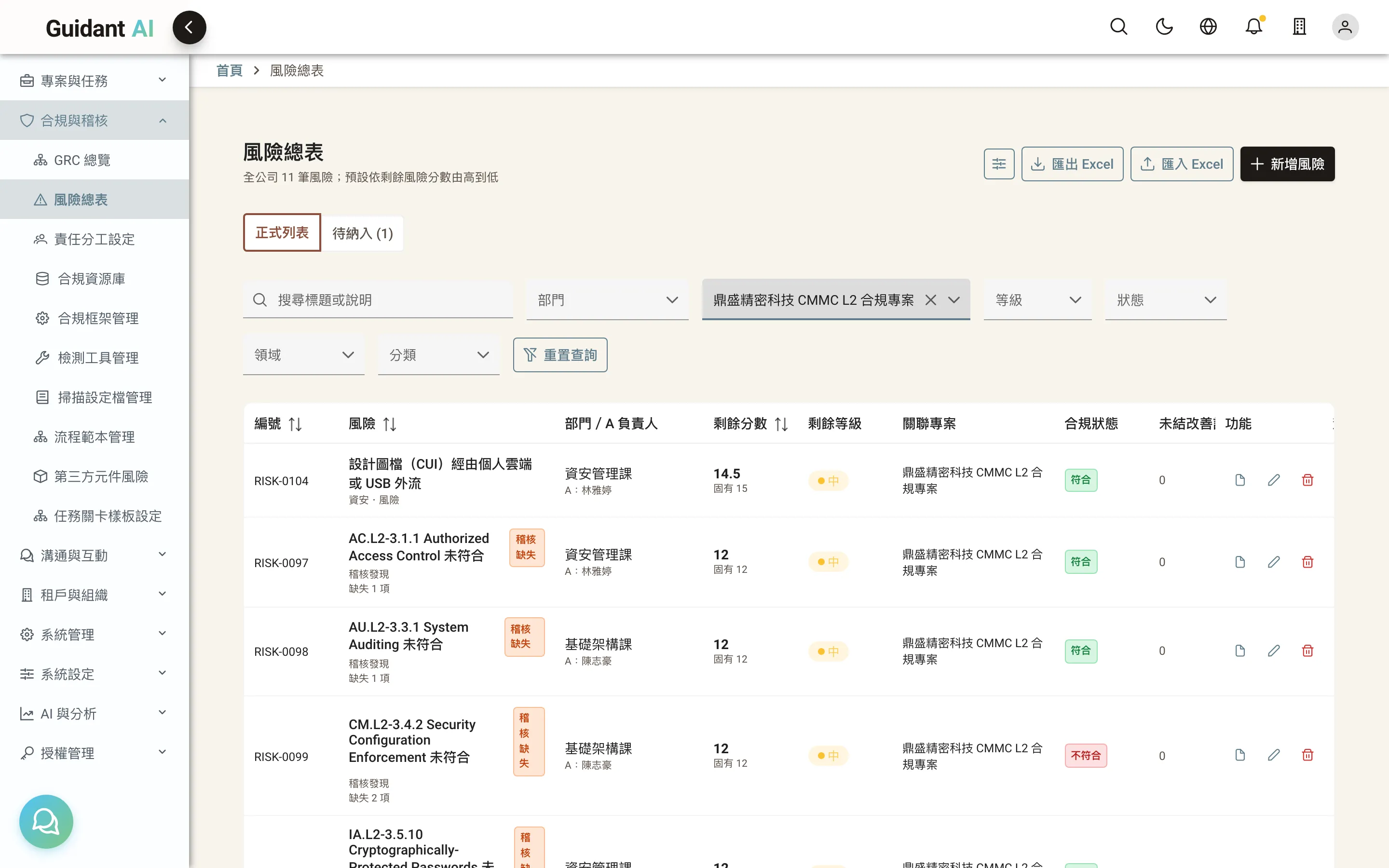
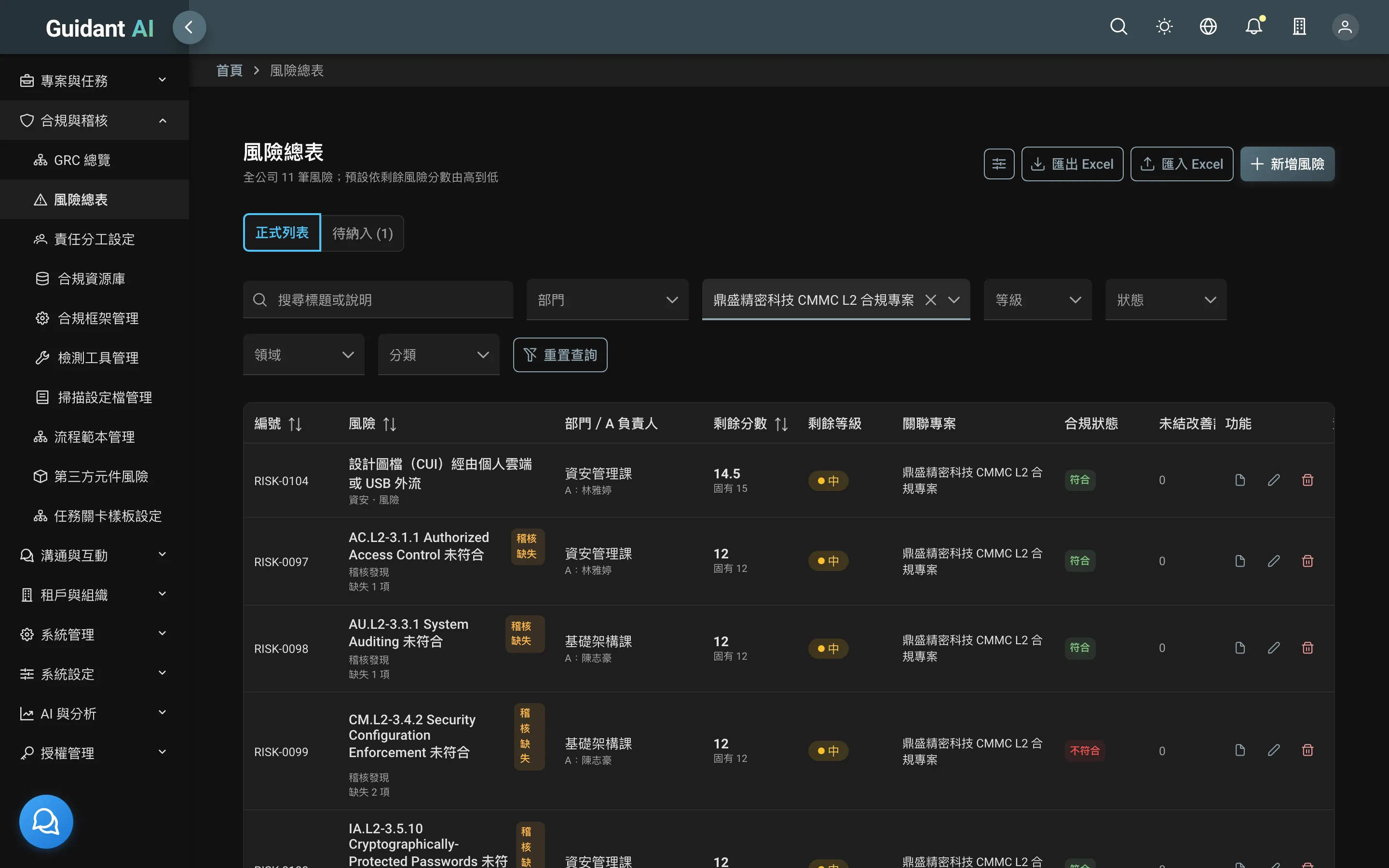
Risk register and heat map
Non-conforming audit items can be registered directly as risks
Company-wide risks in one register: source, scope, likelihood, severity, treatment, acceptance sign-off. The 5×5 heat map shows where risk concentrates. Any audit ruling of “non-conforming” can be registered as a risk in one click.
03
GRC overview
One page for management
Department scorecards, completion rate per framework, open high risks, overdue remediation. Put this page on the screen and the meeting can start.