Scan reports, without anyone uploading them
The scan Agent runs eight tools inside your network. Results attach to the matching task and become audit evidence.
The problem
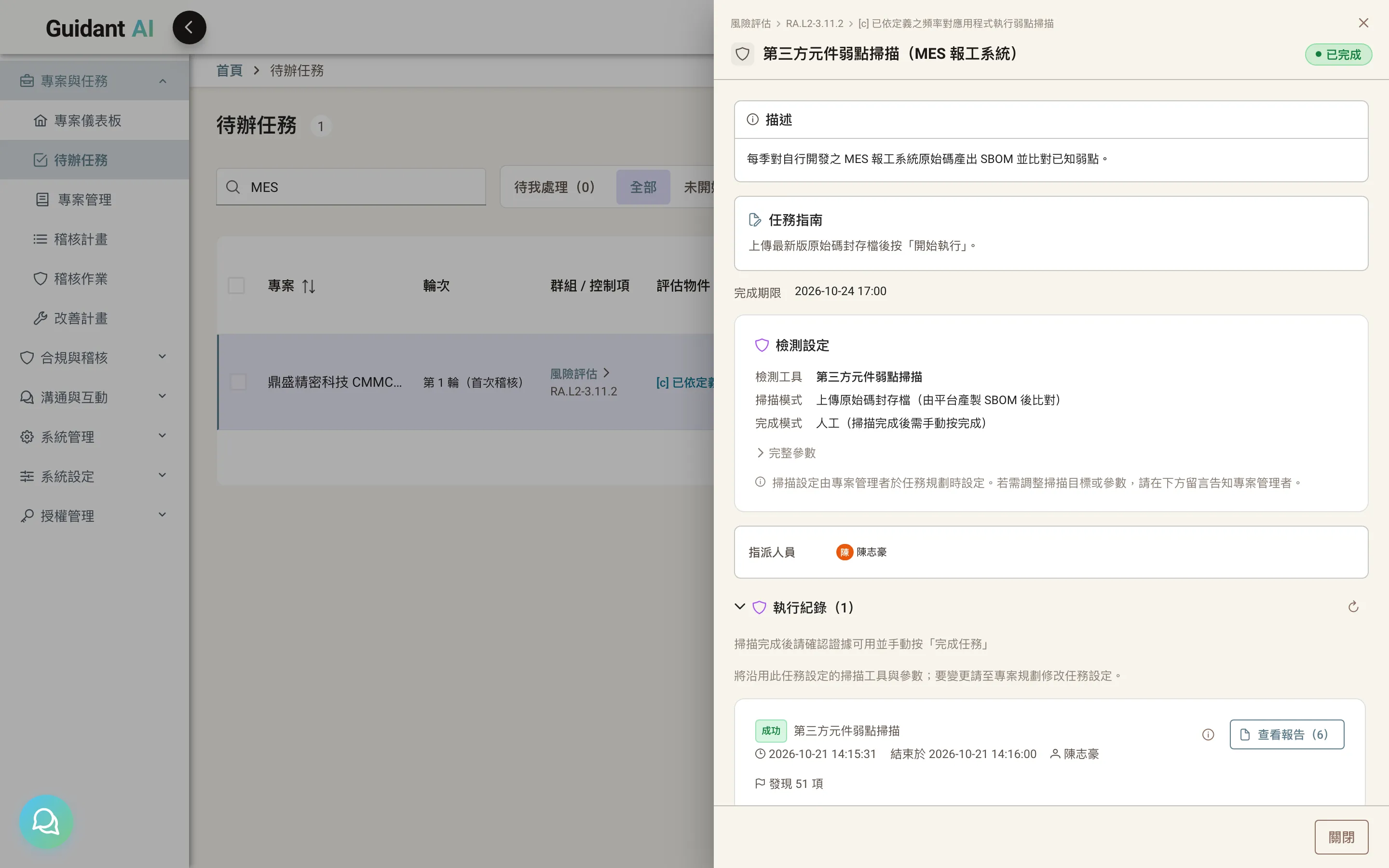
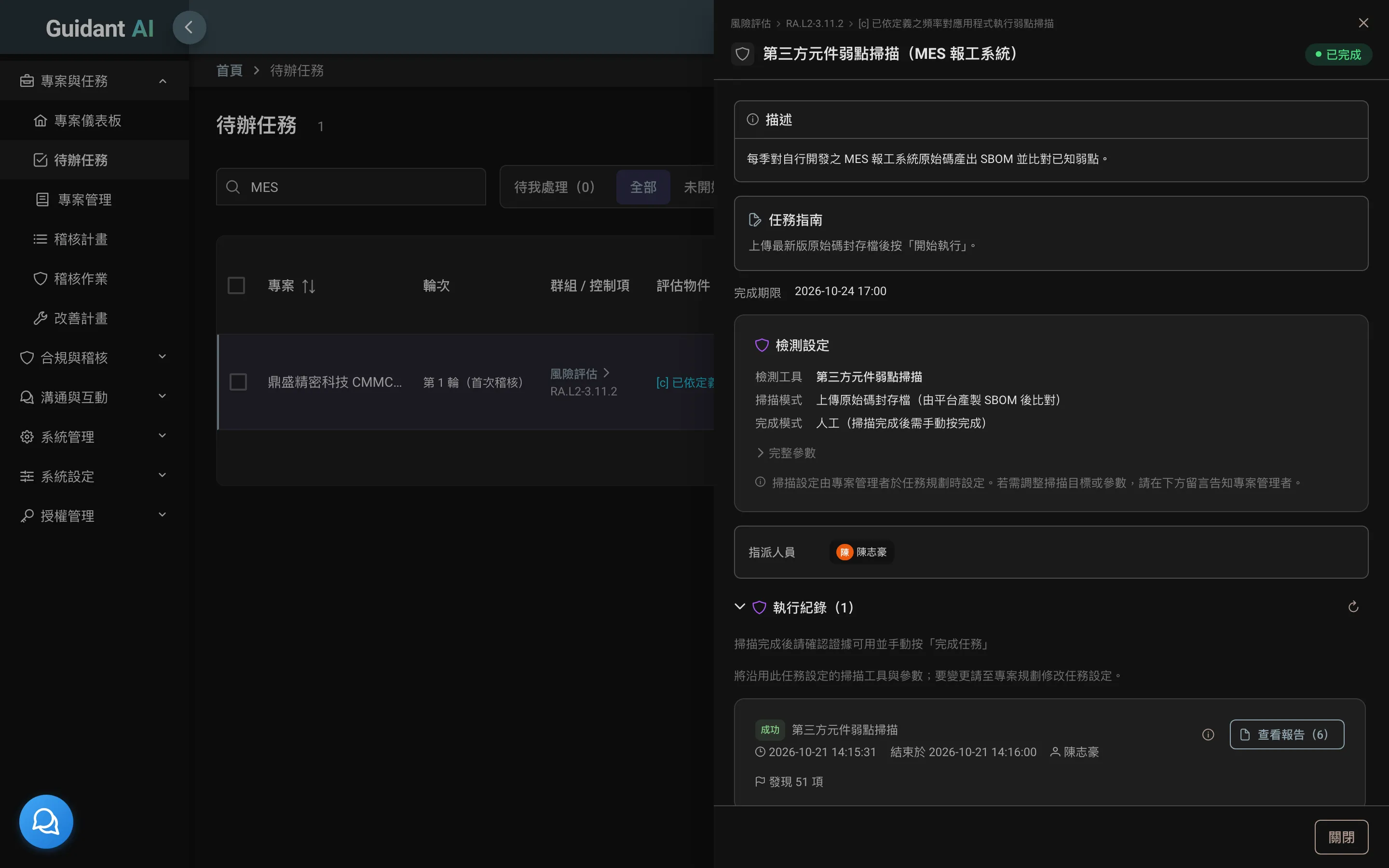
Technical controls such as vulnerability scanning, configuration baselines and code security need a report every quarter. It used to be run the tool, export, upload. Now the platform assigns the scan and the Agent brings the report back.
01
The scanning agent
Inside your network, dispatched from the platform
A lightweight Agent installs in your environment and connects back over mutual TLS. Click “Run scan” on a task; the Agent runs the tool, returns the report, and the report attaches to the task as evidence. Scanning can be restricted to specific subnets.
02
Eight scanning tools
| Tool | Purpose | License |
|---|---|---|
| OpenVAS | Vulnerability scanning | Included |
| Nessus | Vulnerability scanning | Customer-provided license |
| Nmap | Port and service discovery | Customer-installed |
| OWASP ZAP | Web application scanning | Included |
| OpenSCAP | OS configuration baselines | Included |
| CINC Auditor | Configuration compliance | Included |
| Taiwan GCB | Government Configuration Baseline checks | Included |
| SonarQube | Code security | Customer-provided license |
Which control uses which tool and which baseline is a scan profile the consultant builds once and reuses across projects.
03
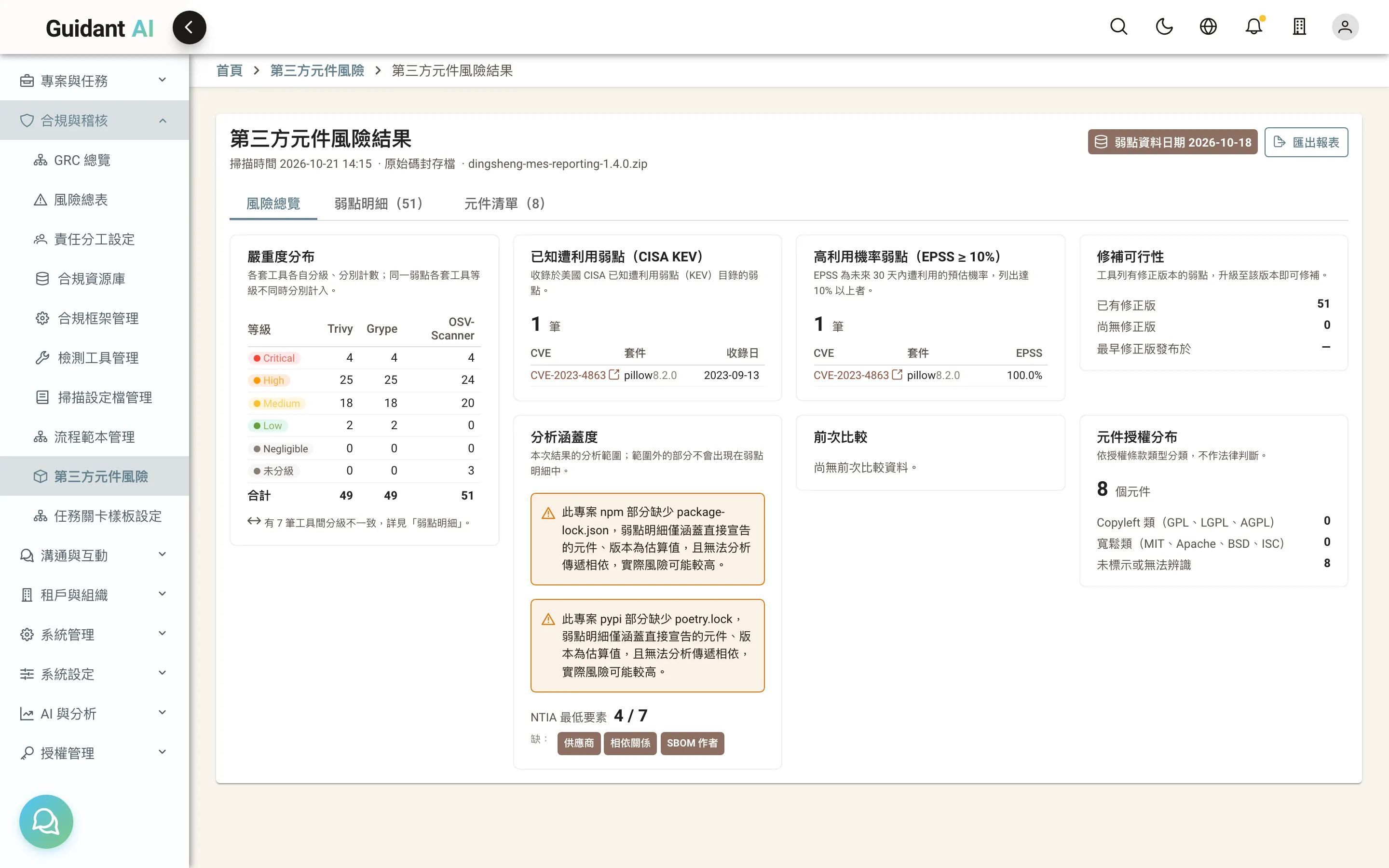
Third-party component risk (SBOM)
Which open-source components your software uses, and which have known vulnerabilities
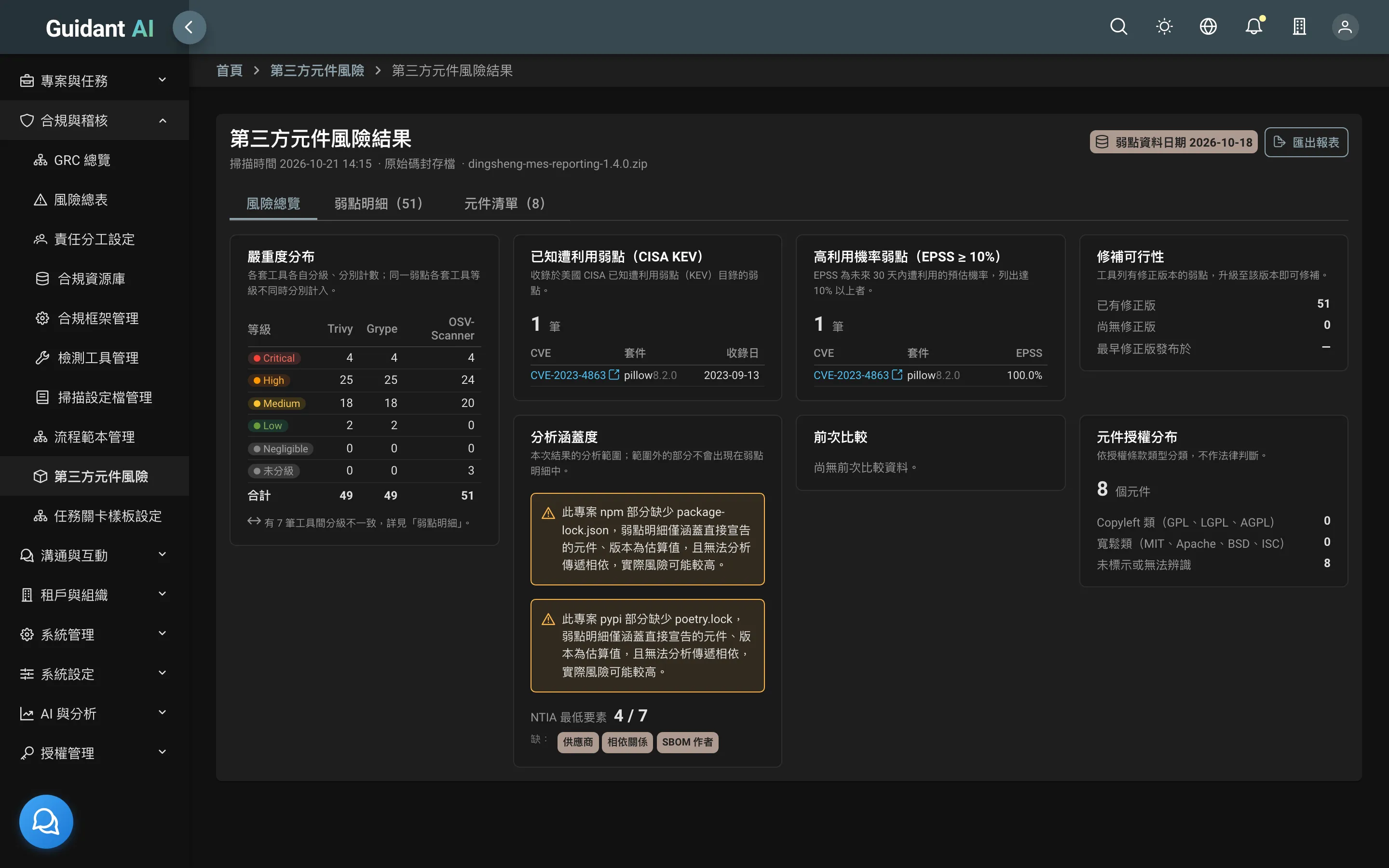
Upload source code or an SBOM. Guidant AI produces CycloneDX or SPDX, checks it against known vulnerabilities with three tools, and flags KEV (already exploited) and EPSS (likelihood of exploitation). The report states facts without drawing conclusions, so a non-technical consultant can read it. Alerts on new high-risk items are optional.