The whole system, in your data center
On-premises deployment, access management, enterprise integration and code protection. Built to satisfy enterprise IT and security teams.
The problem
Compliance evidence is among the most sensitive data a company holds: network diagrams, vulnerability reports, staff lists. Many organisations cannot put that on someone else’s cloud. Guidant AI installs entirely in your data center.
01
On-premises deployment
One installer, one Linux host
We ship a complete installer: one command installs it, and upgrades are just as simple. The installer checks that no files have been tampered with. Only the web interface is reachable from outside; the database and other internal components are not. Every version is supported for at least five years.
02
Access management
Control every account by role, scope and expiry
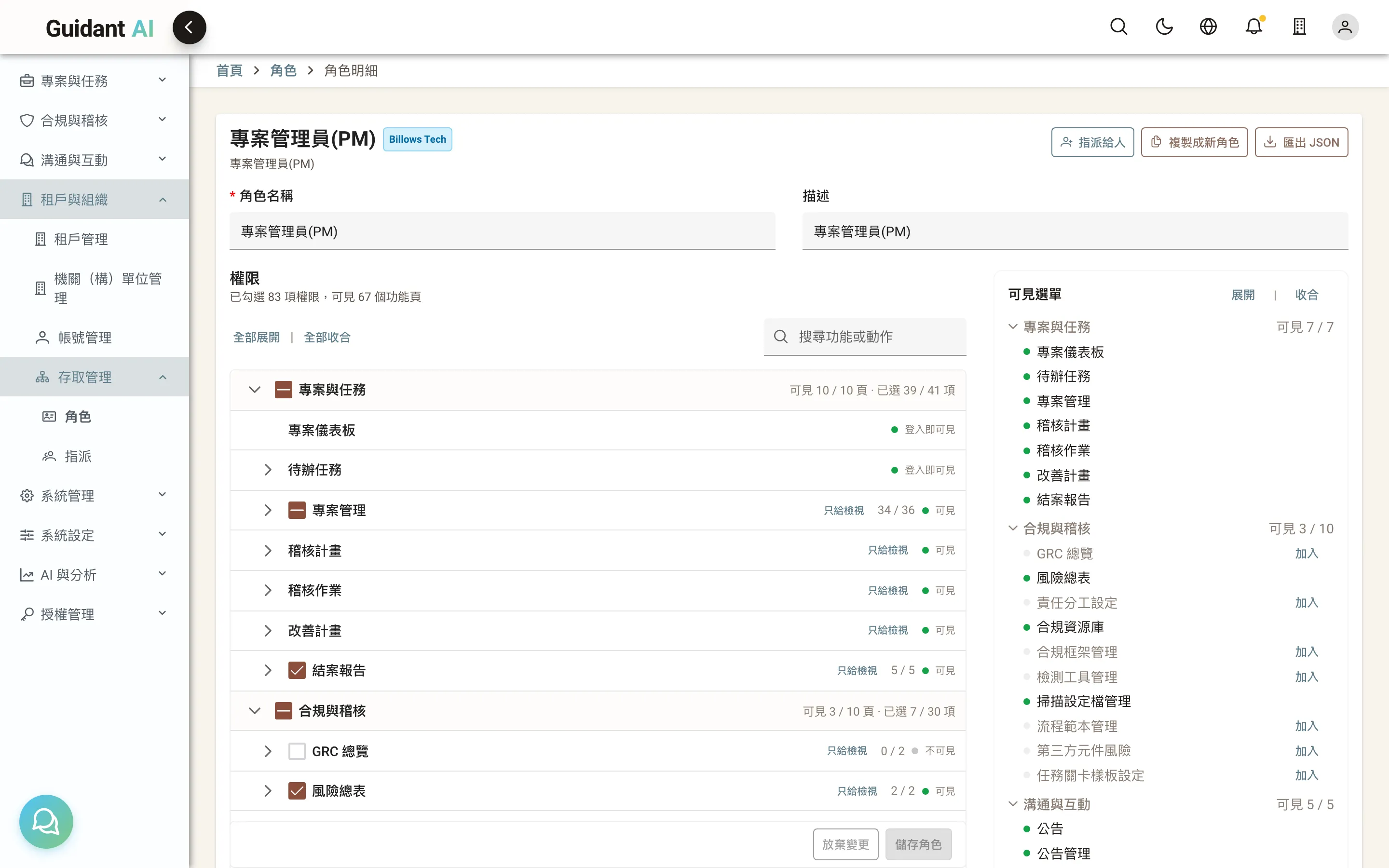
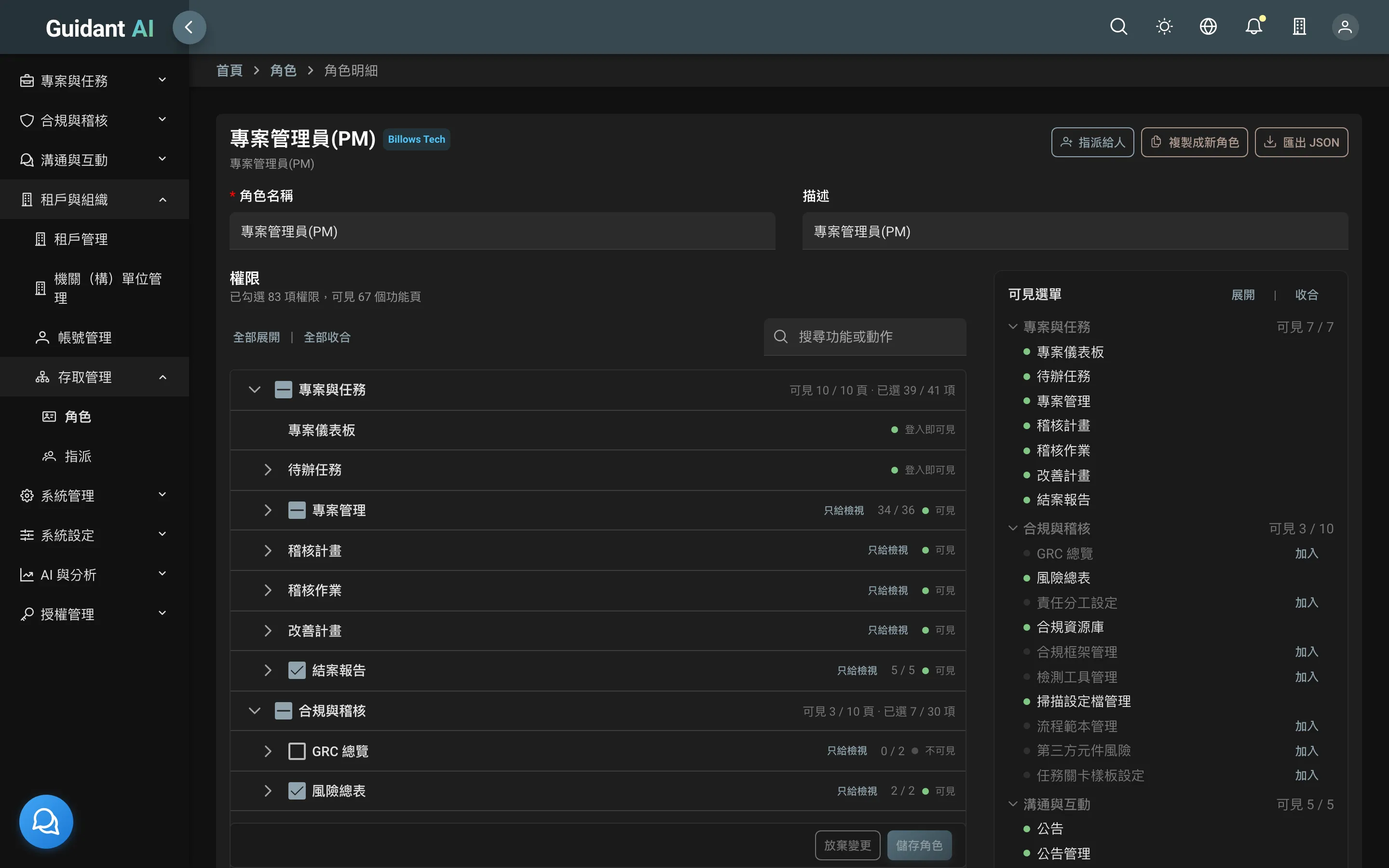
Multi-tenant with a department tree; roles down to read and write per feature; time-limited access so external consultants and auditors expire automatically. LDAP/AD login, multi-factor authentication, password policy and lockout.
03
Enterprise integration
Plugs into the security and operations stack you already run
Audit logs forward to your SIEM (syslog); notifications go out by email, Telegram or Discord; evidence can sync from Google Drive; file storage can be local, SeaweedFS object storage, or a designated host via the Agent.
04
Code and data protection
- Tenant data isolated at the database layer (row-level security)
- All internal connections encrypted; the Agent connects over mutual TLS
- Back-end containers run read-only without privileges
- Evidence files are unpacked in a sandbox with no internet access
- Compiled code with integrity verification at startup; tampering locks the system
- Licence signature verification, licensed per module