Every step of the audit, in one system
Twelve capabilities, from frameworks, system security plan, evidence and scanning to audit rulings and the closing report. Consultants, auditees and auditors work from the same record instead of each keeping their own.
01
Frameworks and libraries
Turn the clauses into work someone can do
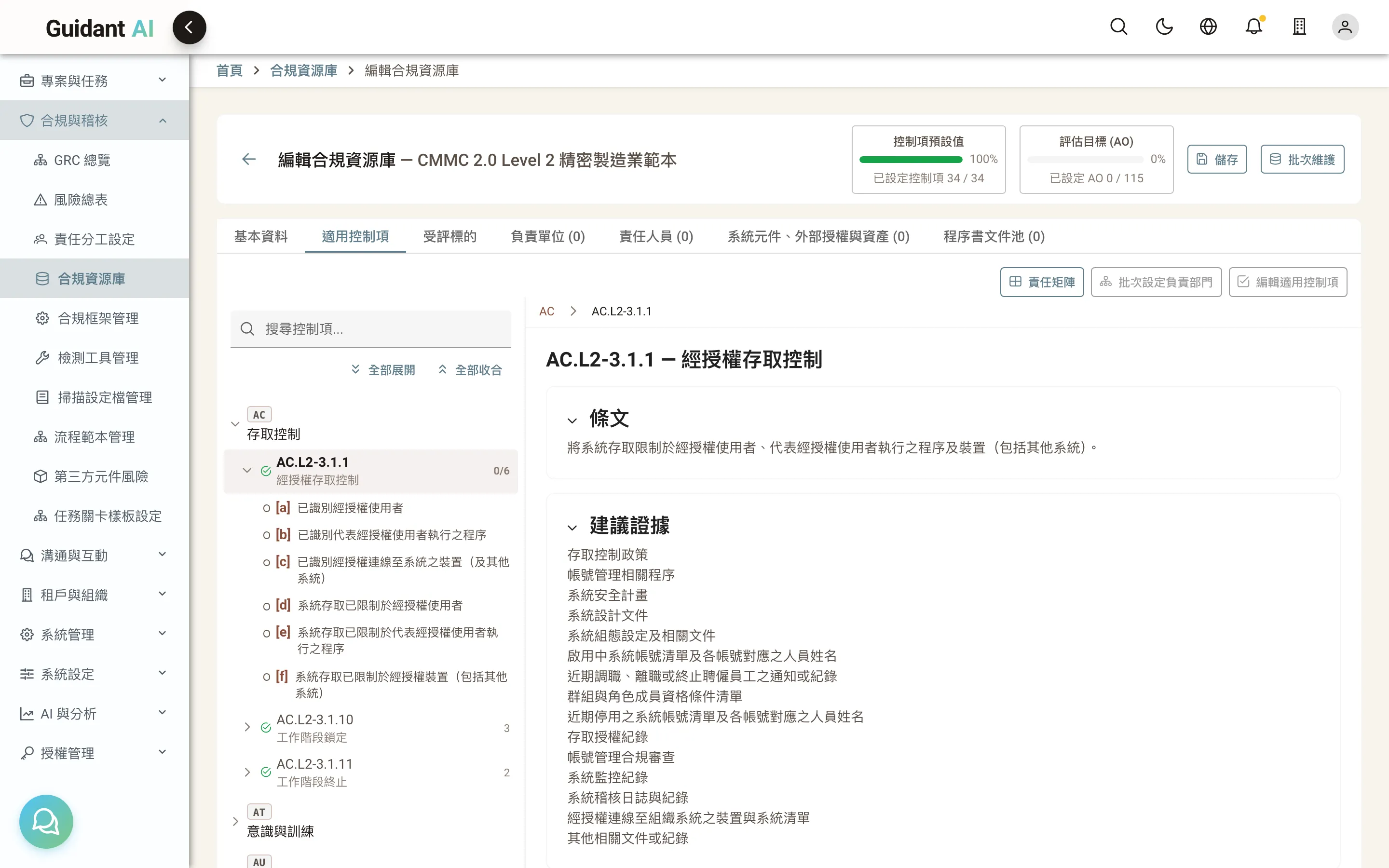
A regulation tells you what must be true. The person doing the work needs to know what to check and which evidence proves it. Guidant AI ships the major frameworks broken down to that level, and lets consultants package their own method as a library the next client can reuse.
- Built in: CMMC 2.0, EU CRA, ISO/IEC 27001:2022; we update them when the regulations change
- A library holds control selections, system security plan templates, audit procedures and form settings; build it once, use it on every project
- Each control splits into checkable assessment objectives, with suggested evidence and audit guidance
02
Projects and the audit lifecycle
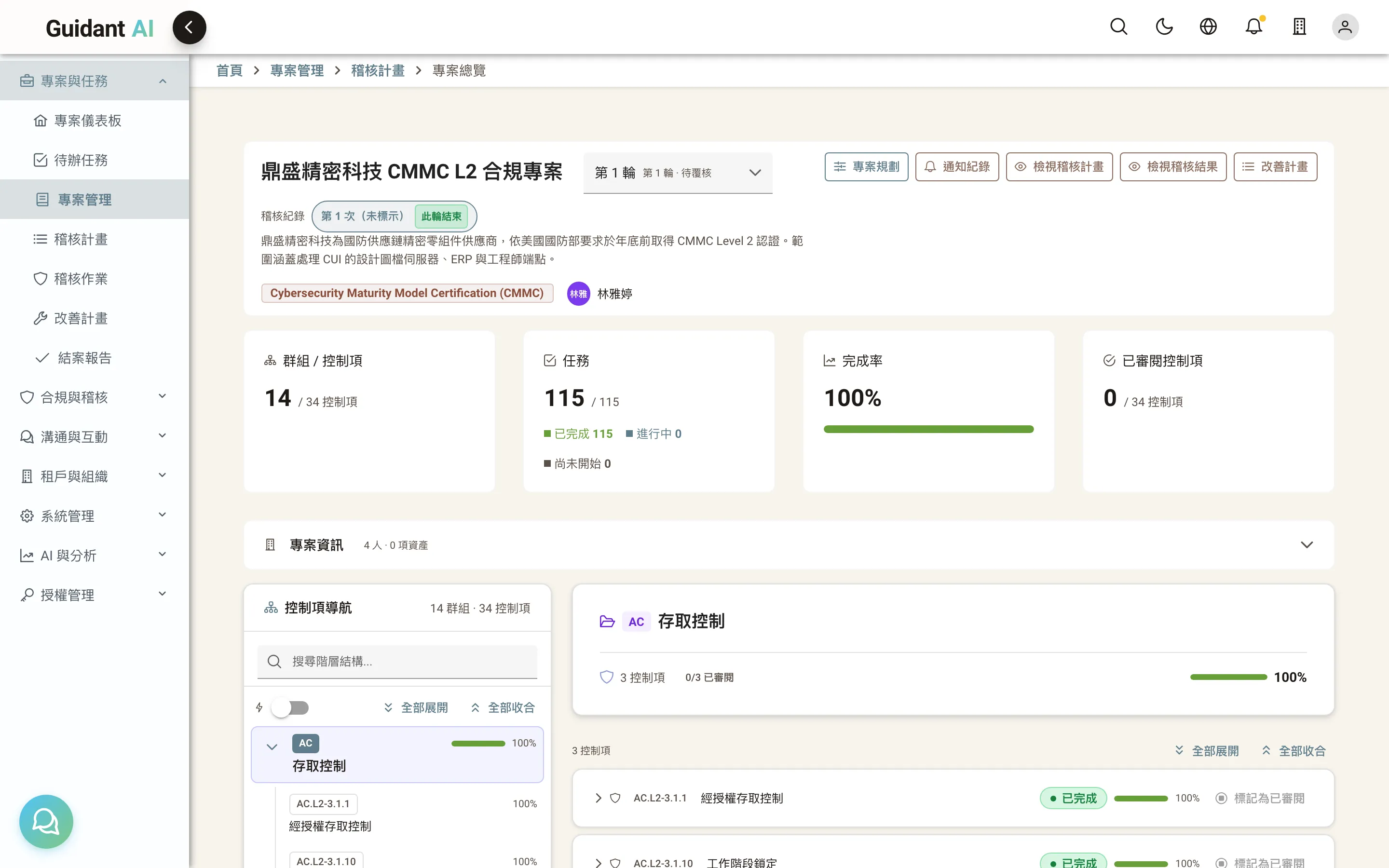
One project manages one framework over the long term
The project stays open after the audit ends. Each cycle runs through planning, internal audit, external audit, remediation and closing. Items that failed go into a review cycle, and next year’s cycle starts with last year’s status and open findings already in place.
- The project overview shows the current stage and what comes next
- Internal audit first, then fix, then external audit, all within one cycle
- Review cycles re-verify only what failed; every past ruling stays on record
03
System security plan
For every control: how it is done today
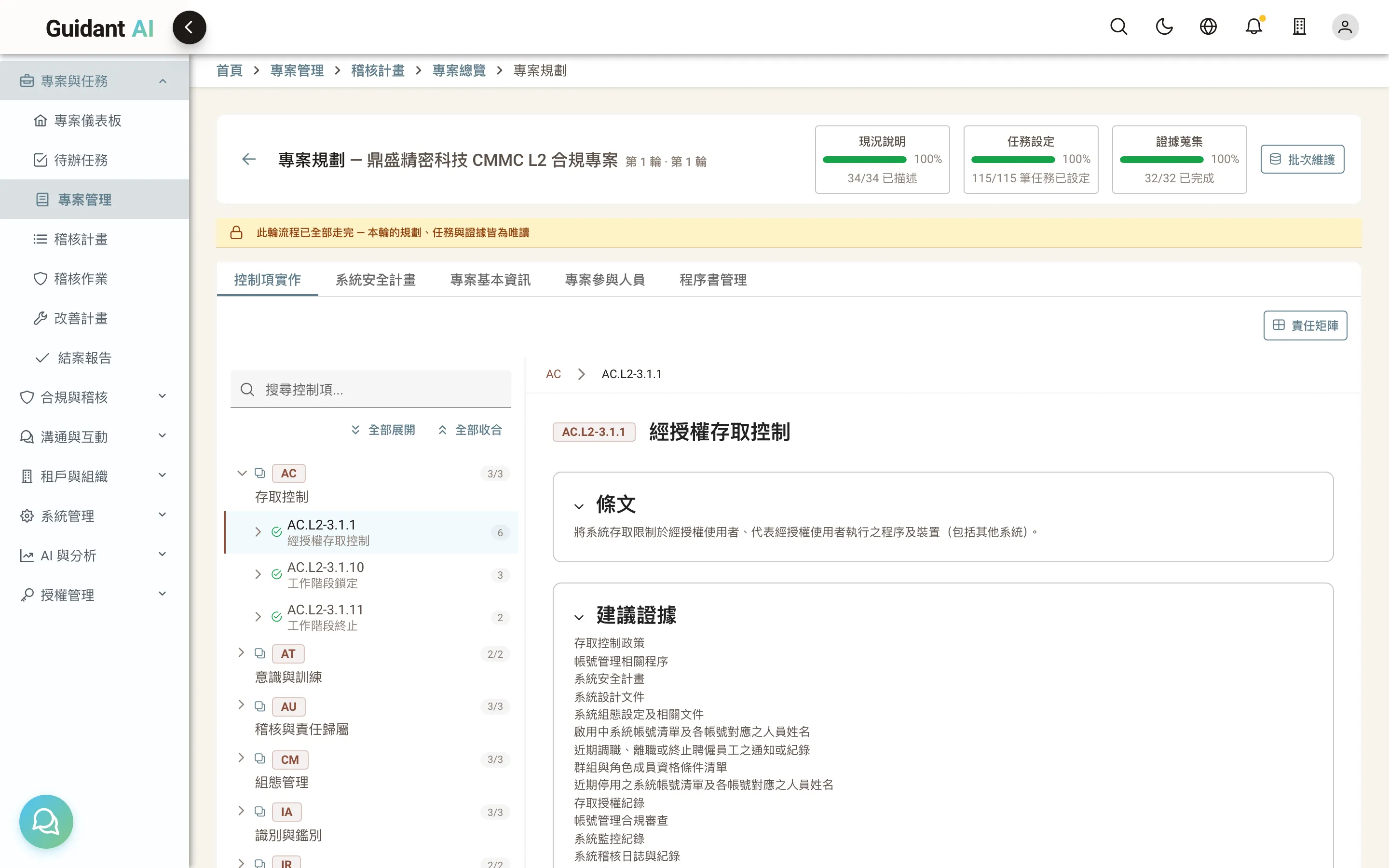
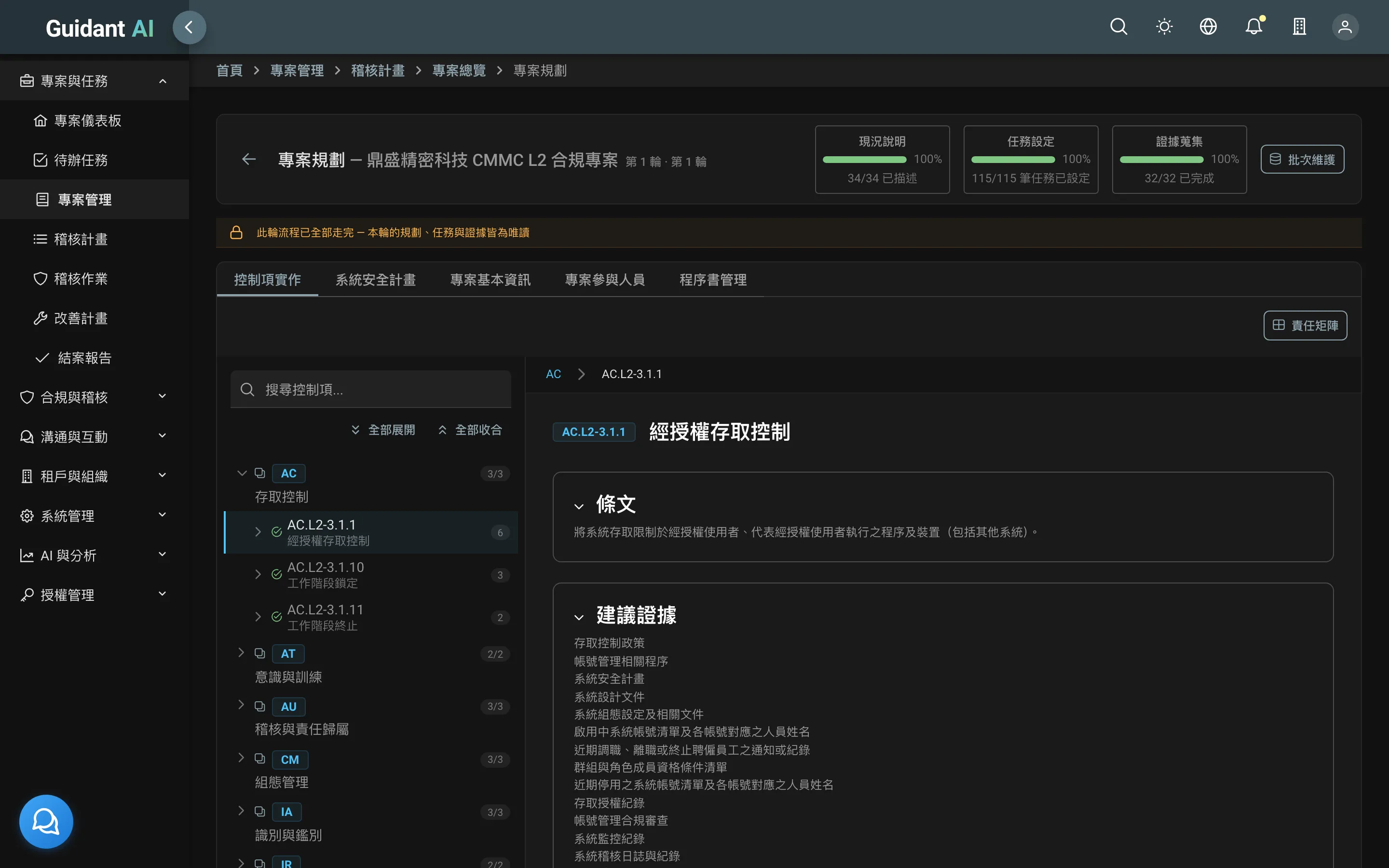
The system security plan is the first document an auditor asks for. Record each control’s implementation status, description, owning department and procedure, keep it current across years, and see what changed between versions.
- Per control: status, description, owning department, referenced procedure
- Consultant interview fields: gaps, recommendations, suggested attachments, imported straight from the interview
- Excel and Word import and export; Word can use the consultant’s own template
04
Tasks, evidence and review steps
Every requirement has an owner, evidence and a review record
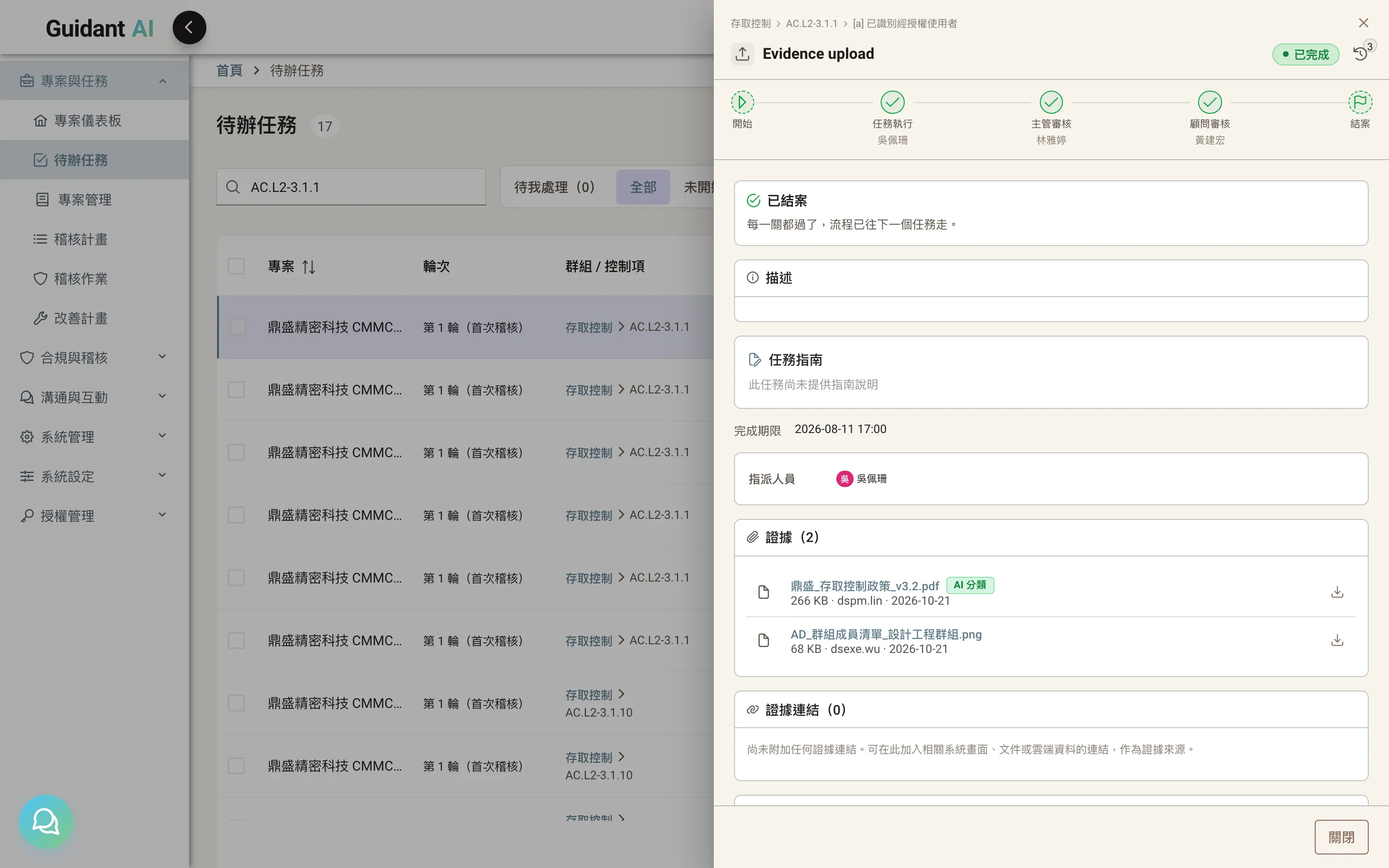
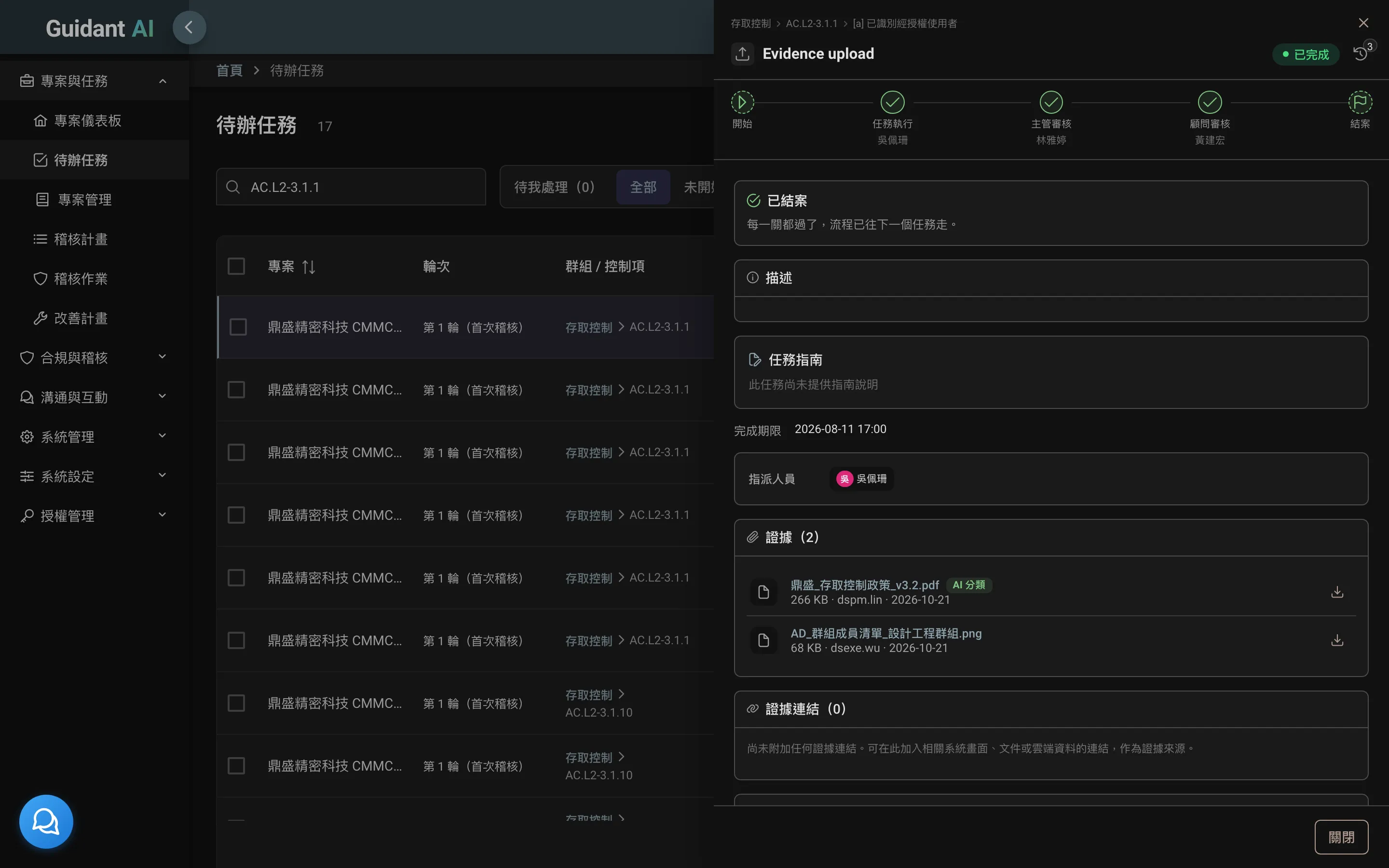
Assessment objectives become tasks assigned to the people who actually do the work. They upload evidence or answer questionnaires inside the task; managers and consultants review in turn, and every return or approval is logged.
- Everyone logs in to their own to-do list
- Review gates are configurable: how many, who signs off; returns require a reason
- Monthly and quarterly checks reopen on schedule, with reminders before the due date
05
AI evidence classification
The AI proposes a classification; nothing is filed until you confirm it
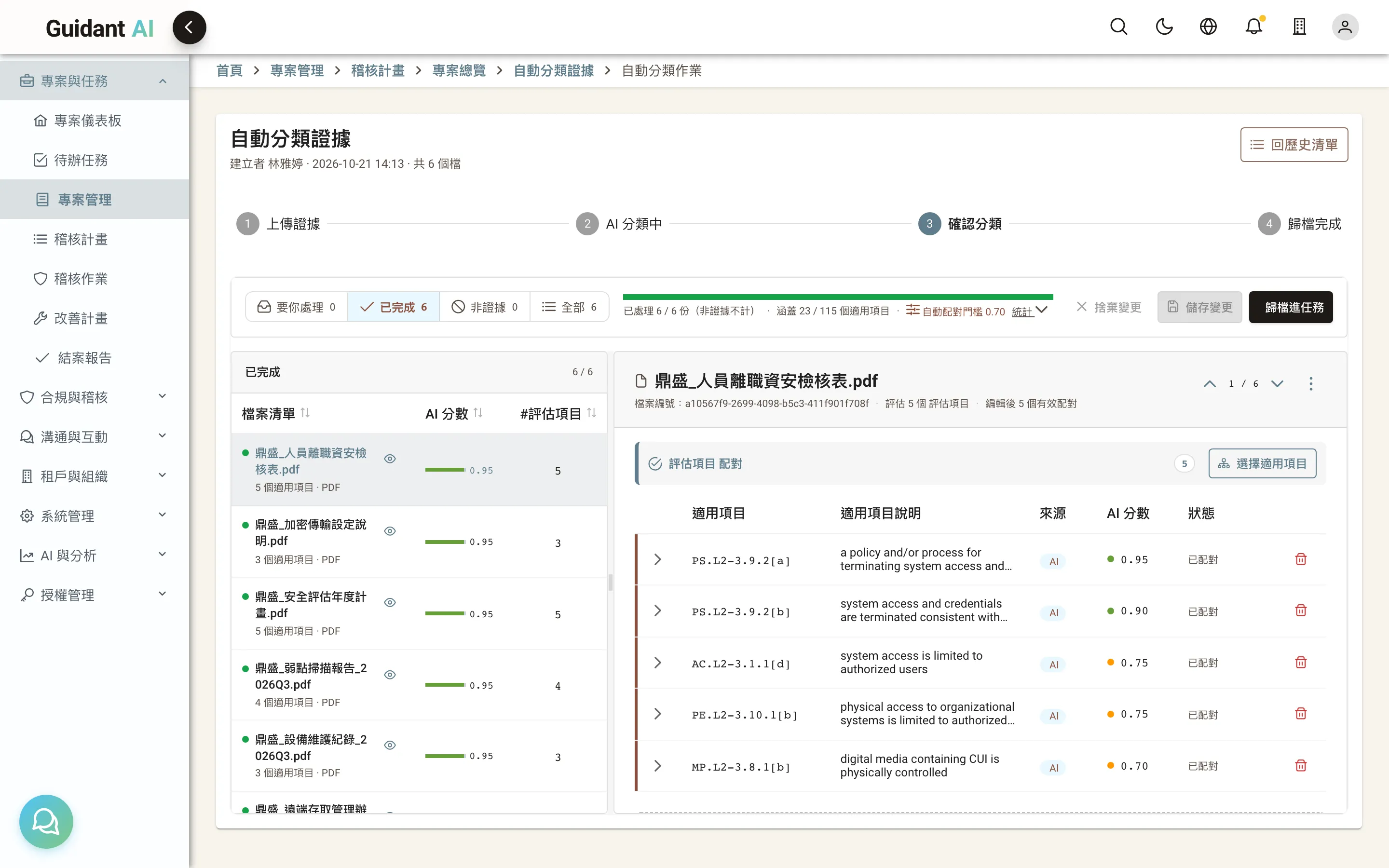
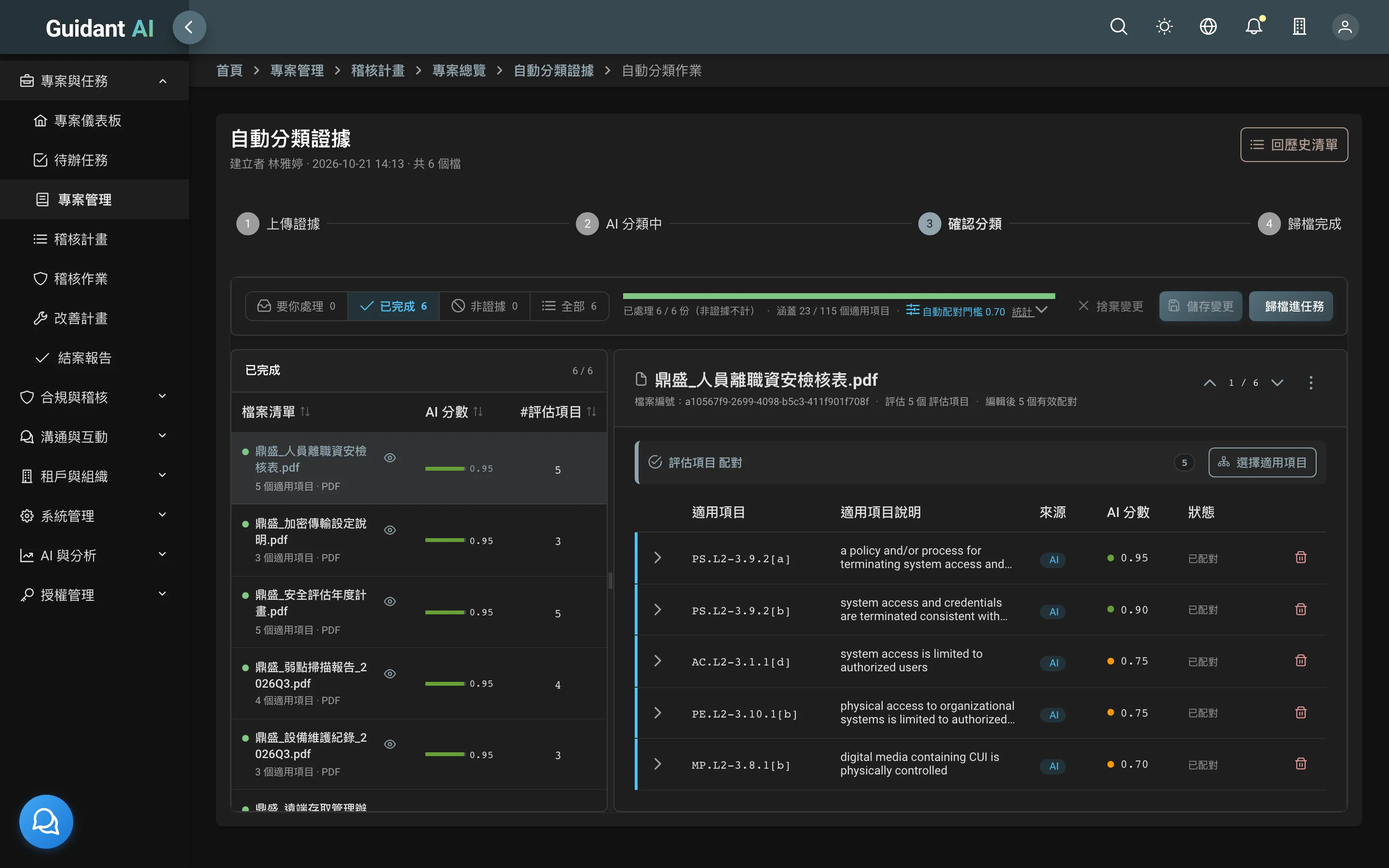
The slowest part of evidence work is deciding which requirement a document belongs to. The AI reads PDFs, images, Word, Excel and slide decks, proposes the assessment objective and shows a confidence score. Nothing is filed until you confirm it.
- Hundreds of files per batch; low-confidence items surface first
- Suggestions only, never auto-filed; every item can be reassigned
- Prompt injection and improper requests are blocked before anything is sent
06
Automated scanning
Reports come back to the task on their own
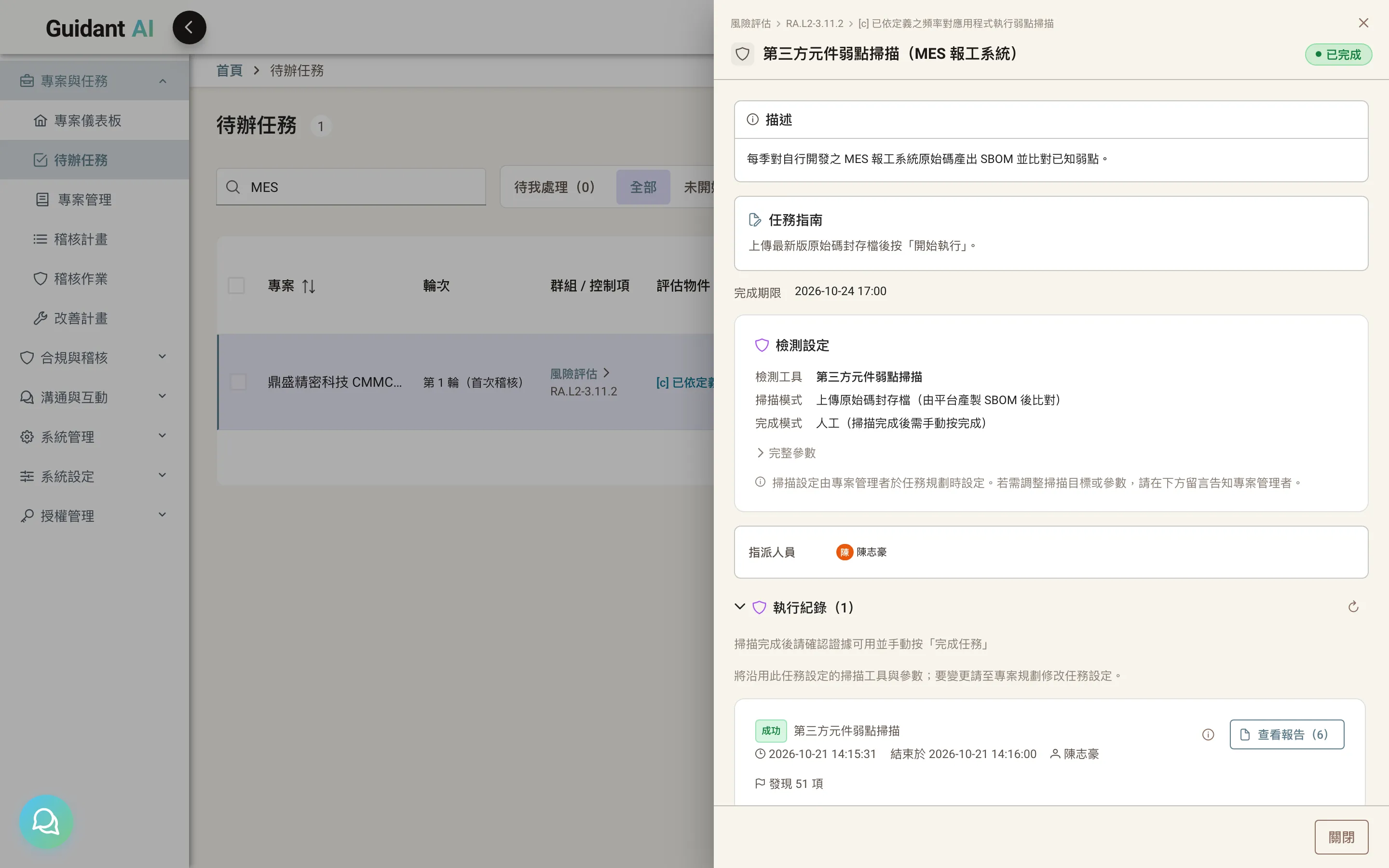
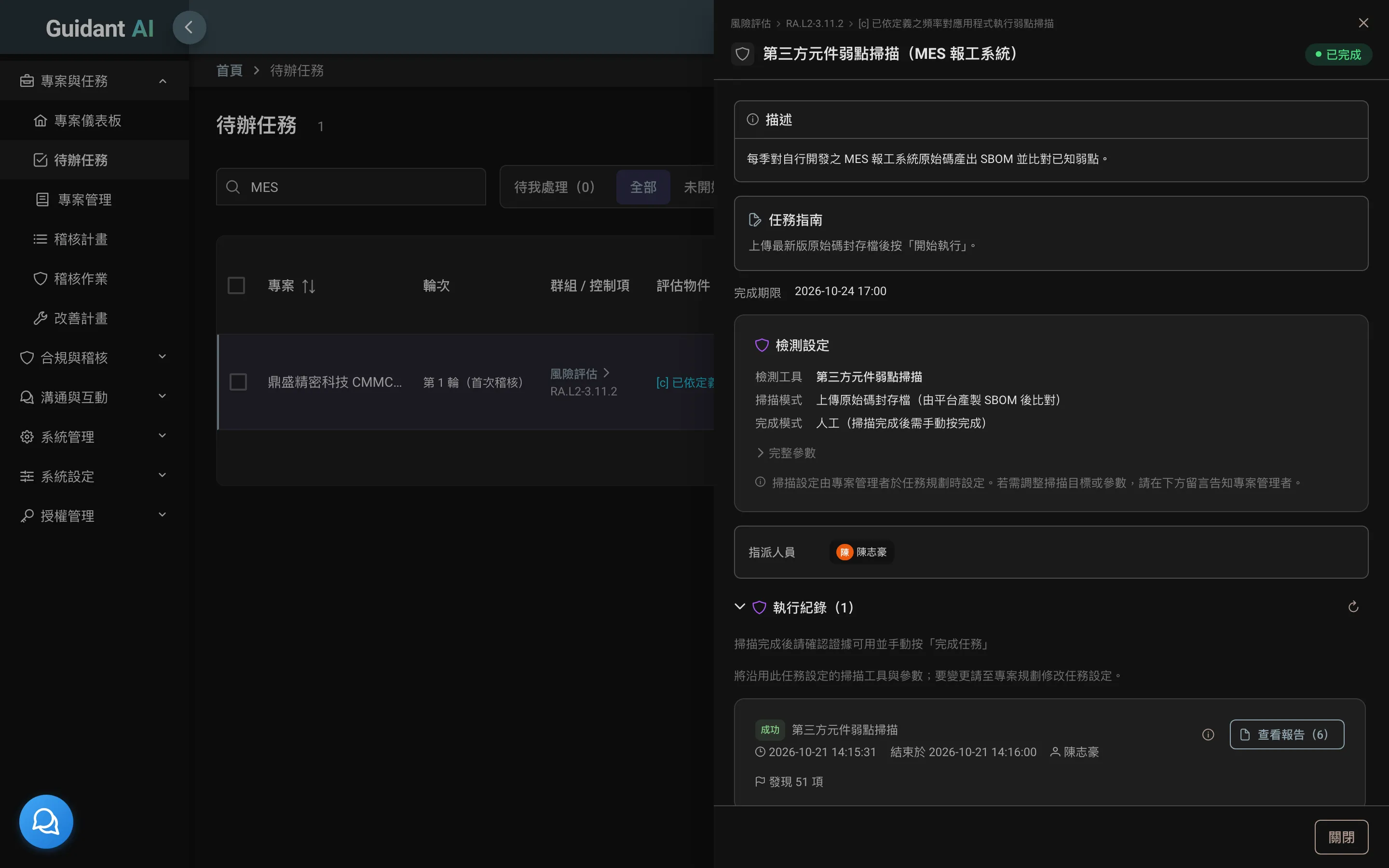
The scan Agent runs inside your environment. Assign a scan from the platform, the Agent executes it on your internal network, and the report attaches to the matching task. Nobody runs the tool, exports and uploads by hand any more.
- Eight tools: OpenVAS and Nessus (vulnerability), ZAP (web), CINC Auditor, OpenSCAP and Taiwan GCB (host configuration), Nmap (ports), SonarQube (source code)
- Scans only the assets and subnets you registered
- Different subnets go to different Agents and run at the same time
Nessus and SonarQube use your own licences; Nmap is installed on the execution host by you.
07
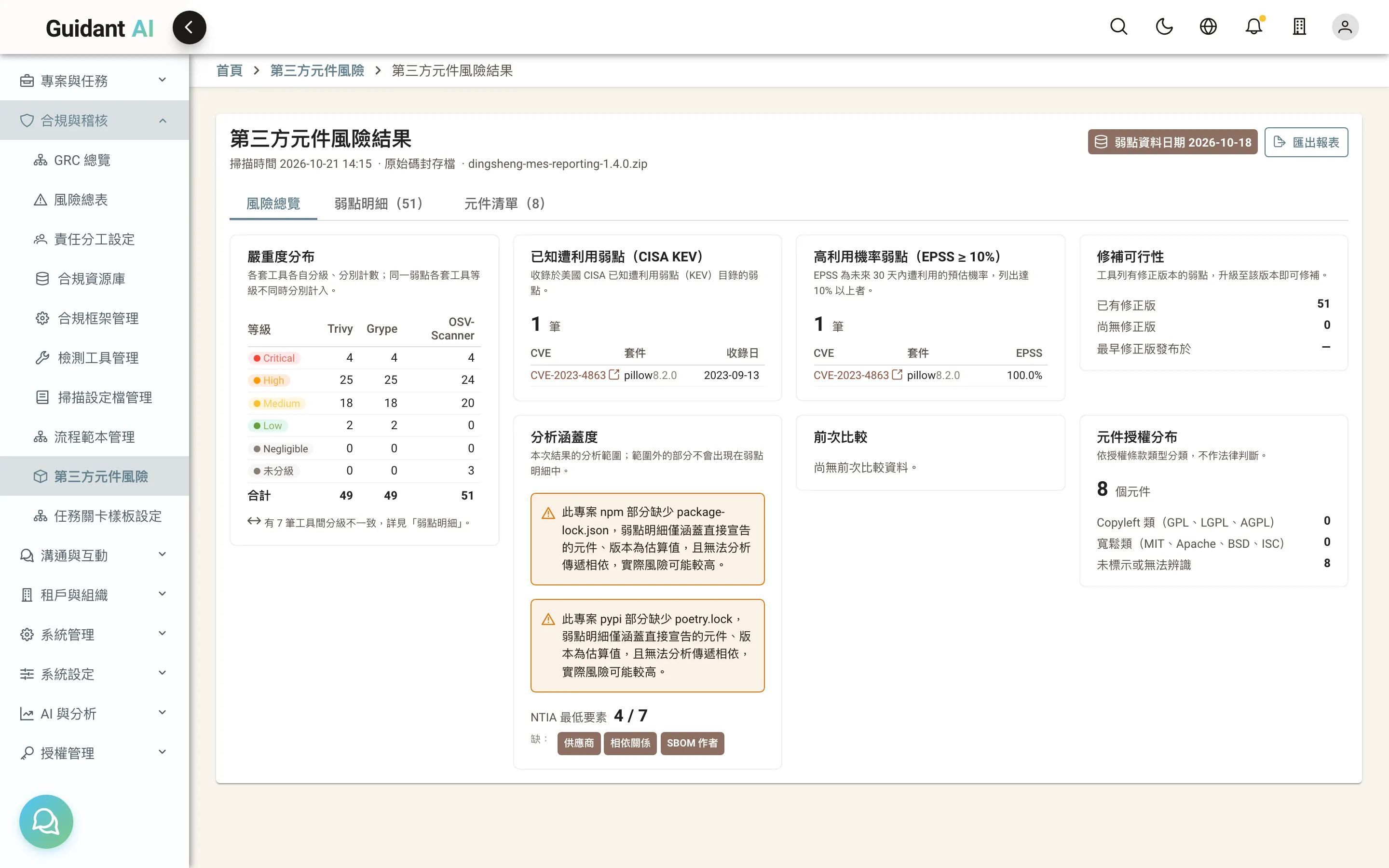
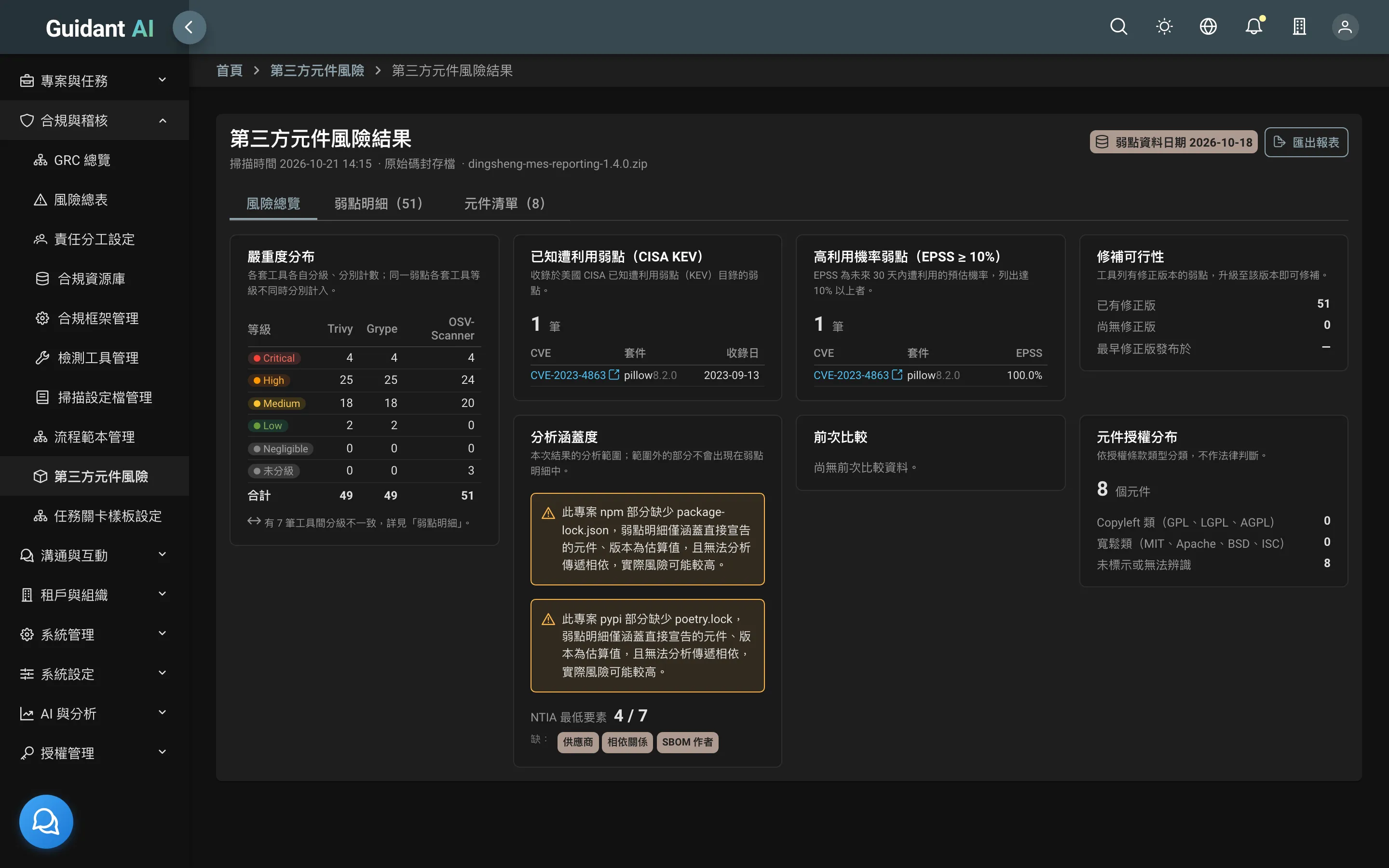
Third-party component risk
See which components are a problem, without reading code
Upload source code or an SBOM. Guidant AI produces a standard bill of materials, checks it against known vulnerabilities with three tools, and flags whether each one is already exploited (KEV) and how likely it is to be (EPSS).
- CycloneDX and SPDX, as the EU CRA requires
- Tool results side by side; where data is missing it says “undetermined” rather than guessing
- Diff against the previous run: what appeared, what was fixed; alerts on new high-risk items
08
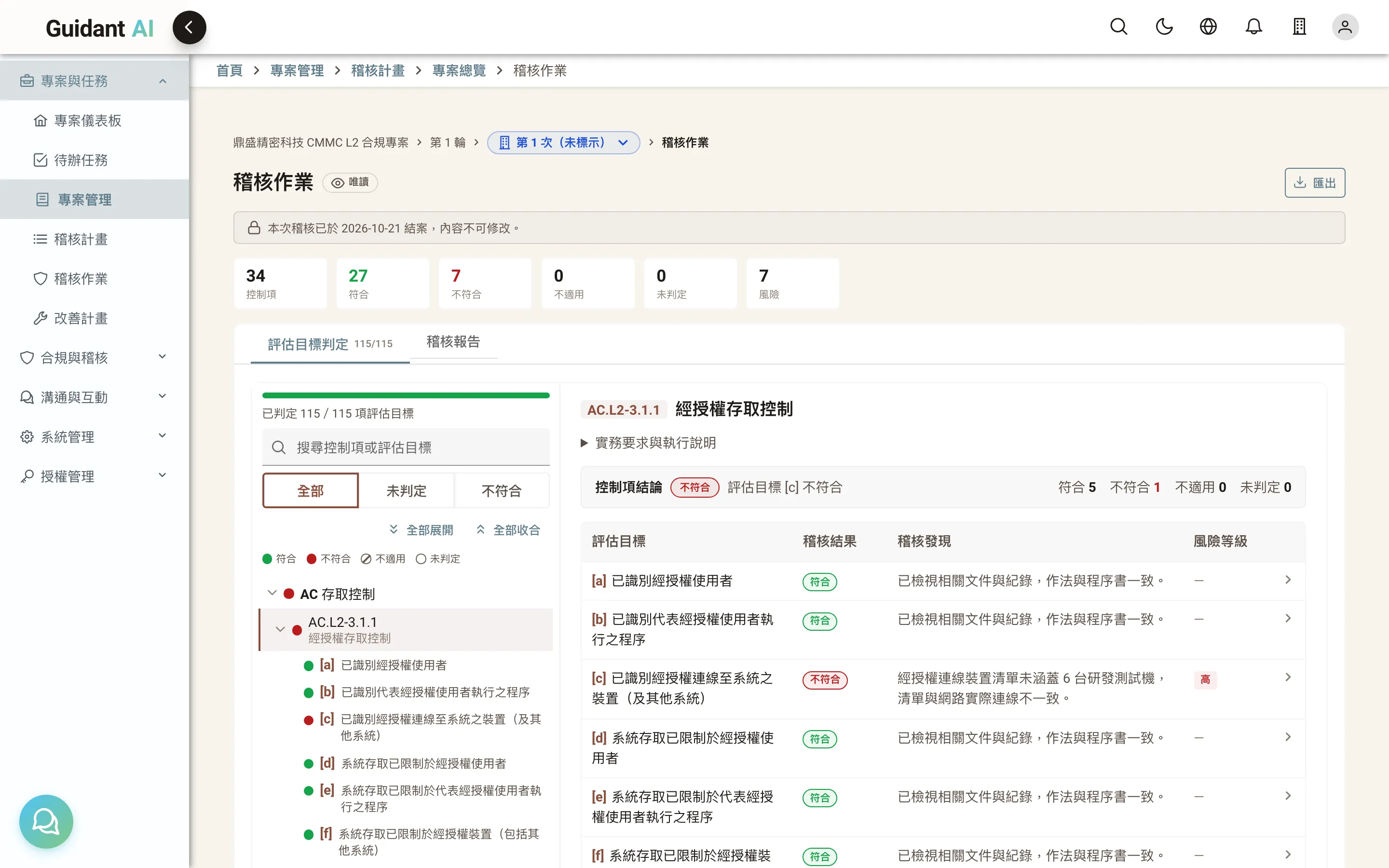
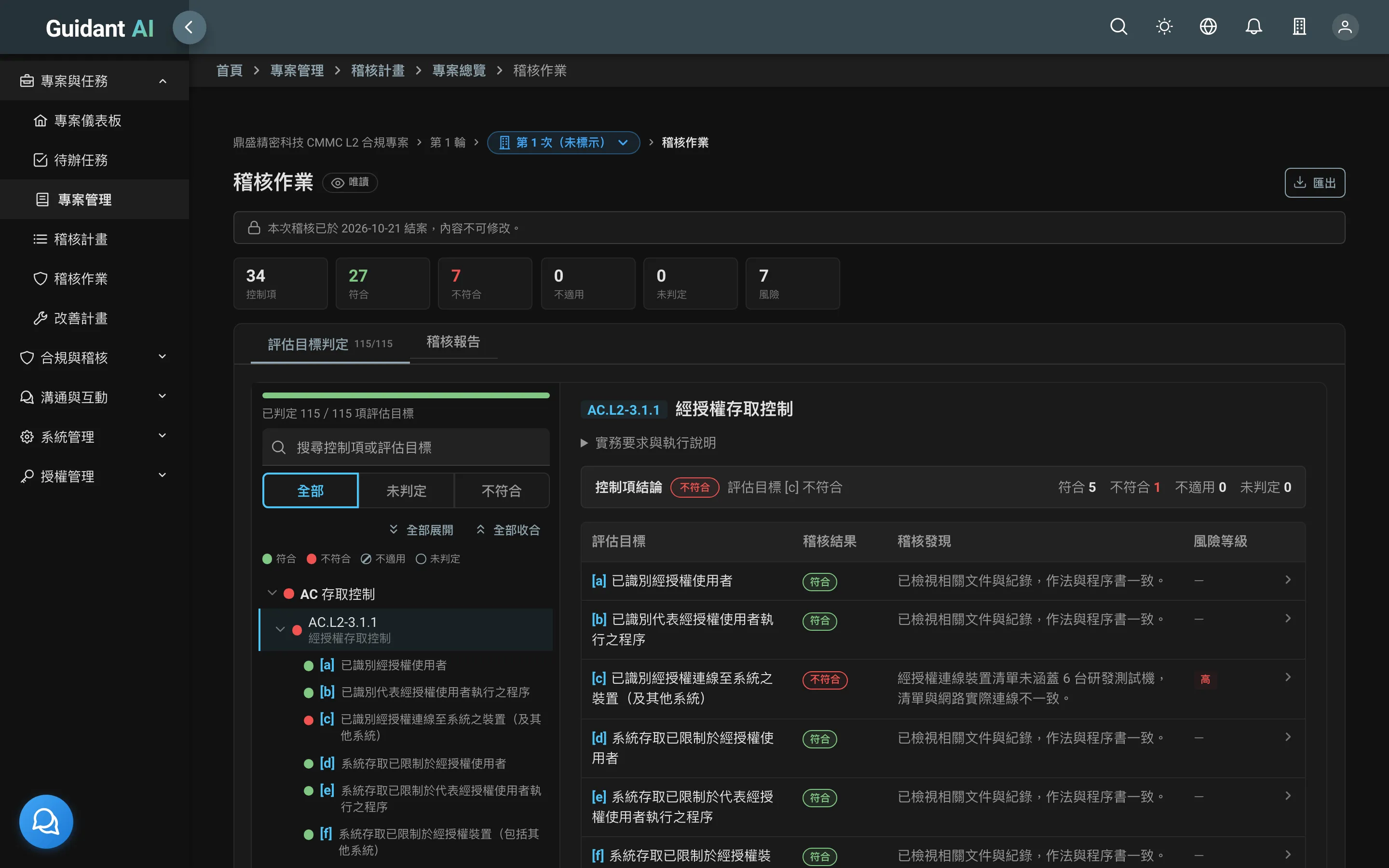
Audit work: plan, assess, remediate
Rule on each control; failures go straight into the remediation plan
The audit plan records the method and the assessed party per control. The auditor sees status, evidence and scan reports on one screen and rules on each item. Non-conformities enter the remediation plan automatically, with an owner and a deadline.
- Audit plan: method, assessed people, assessed assets, per control
- Ruling: conforming, non-conforming or not applicable, with findings, severity and recommendation
- Remediation plan (POA&M): non-conformities carried in, with actions and due dates
- Excel round trip: four worksheets exported for offline work, then imported back
09
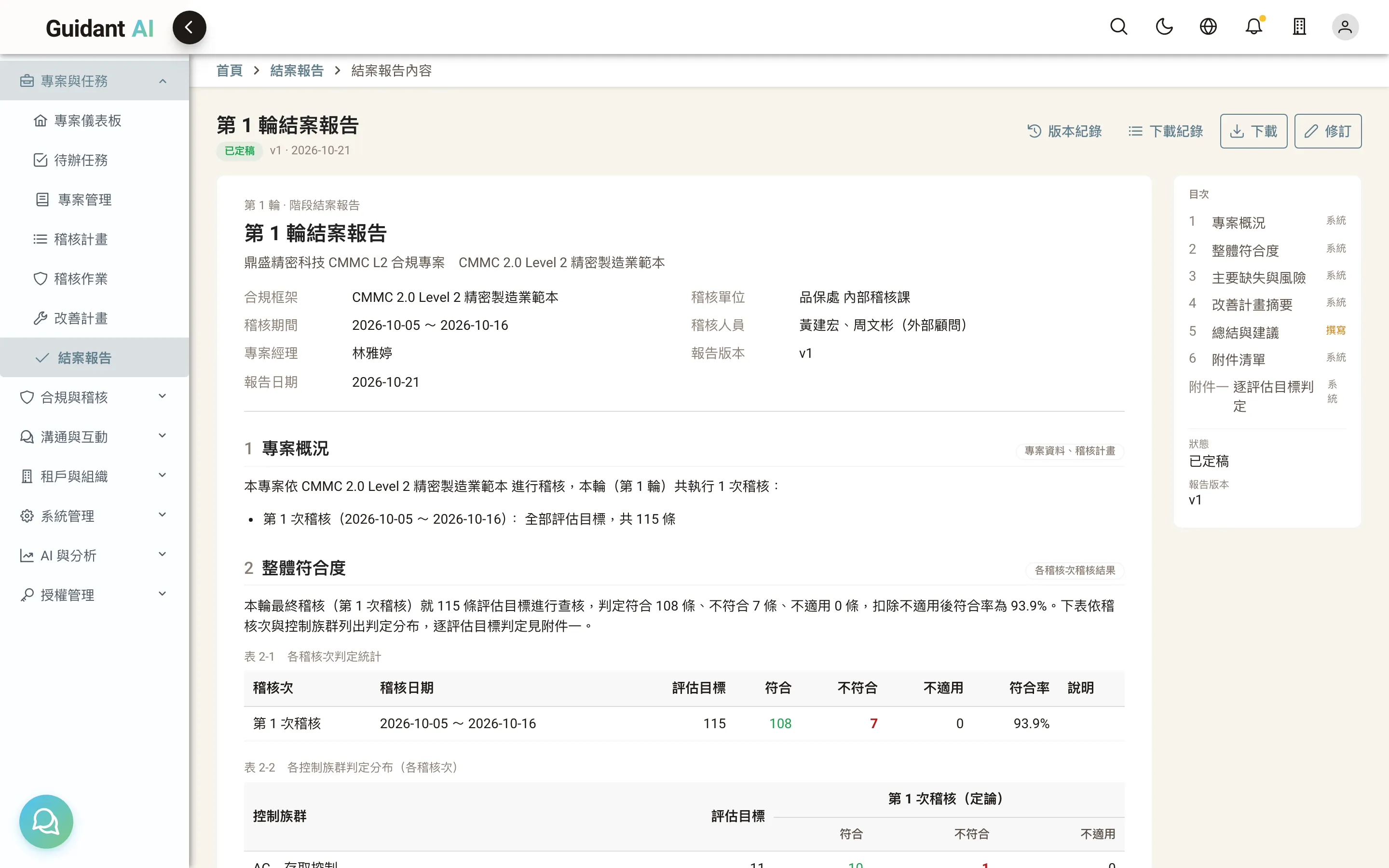
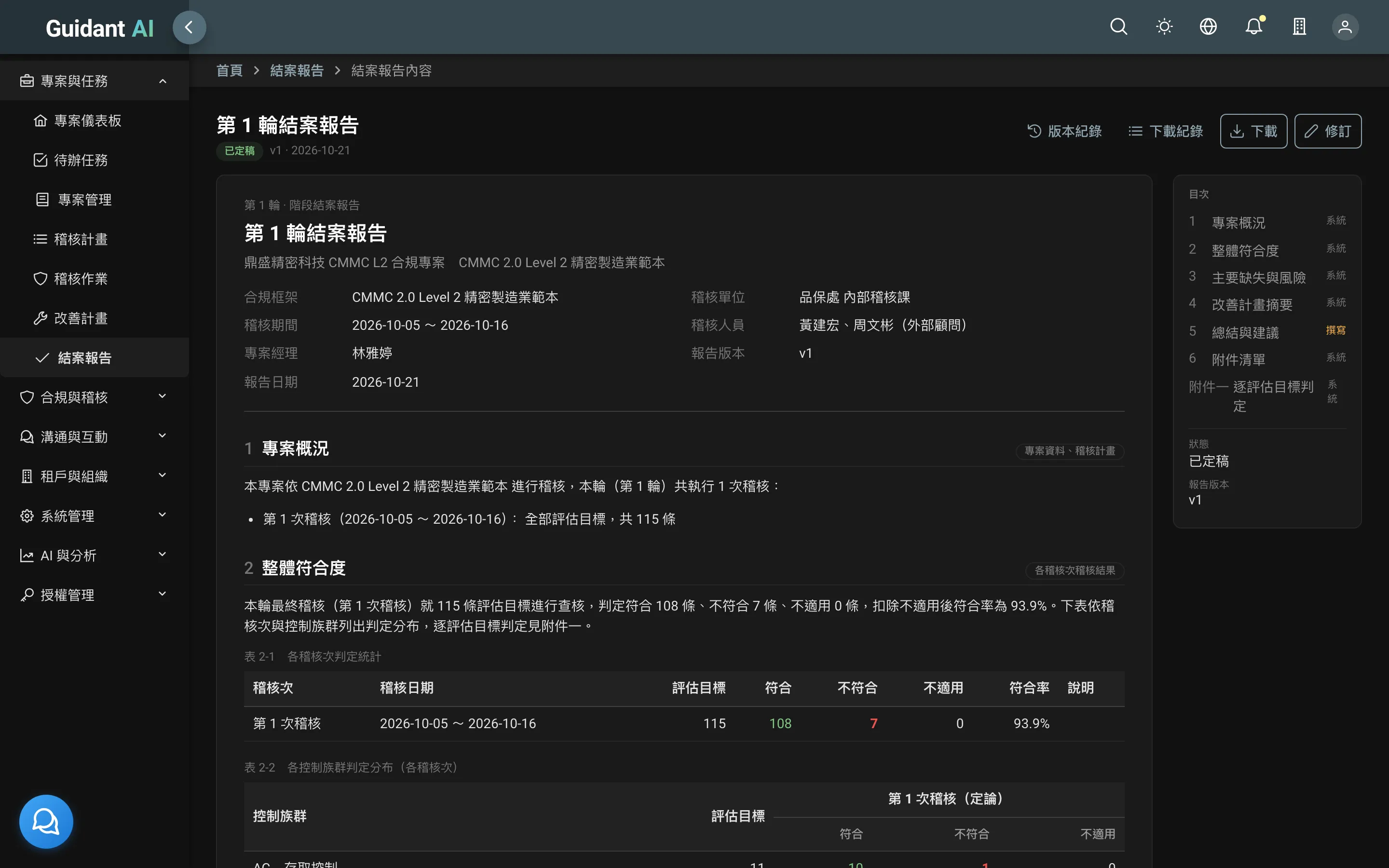
Closing reports
The formal report is ready the day you close
Project overview, overall conformance, key findings and the remediation plan are generated from the audit data. The consultant writes one section: the summary and recommendations.
- Word and PDF, one click
- Report bundle: evidence and cross-reference tables packaged at closing, downloadable any time later
- Locked once final; revisions are logged
10
GRC: governance and risk
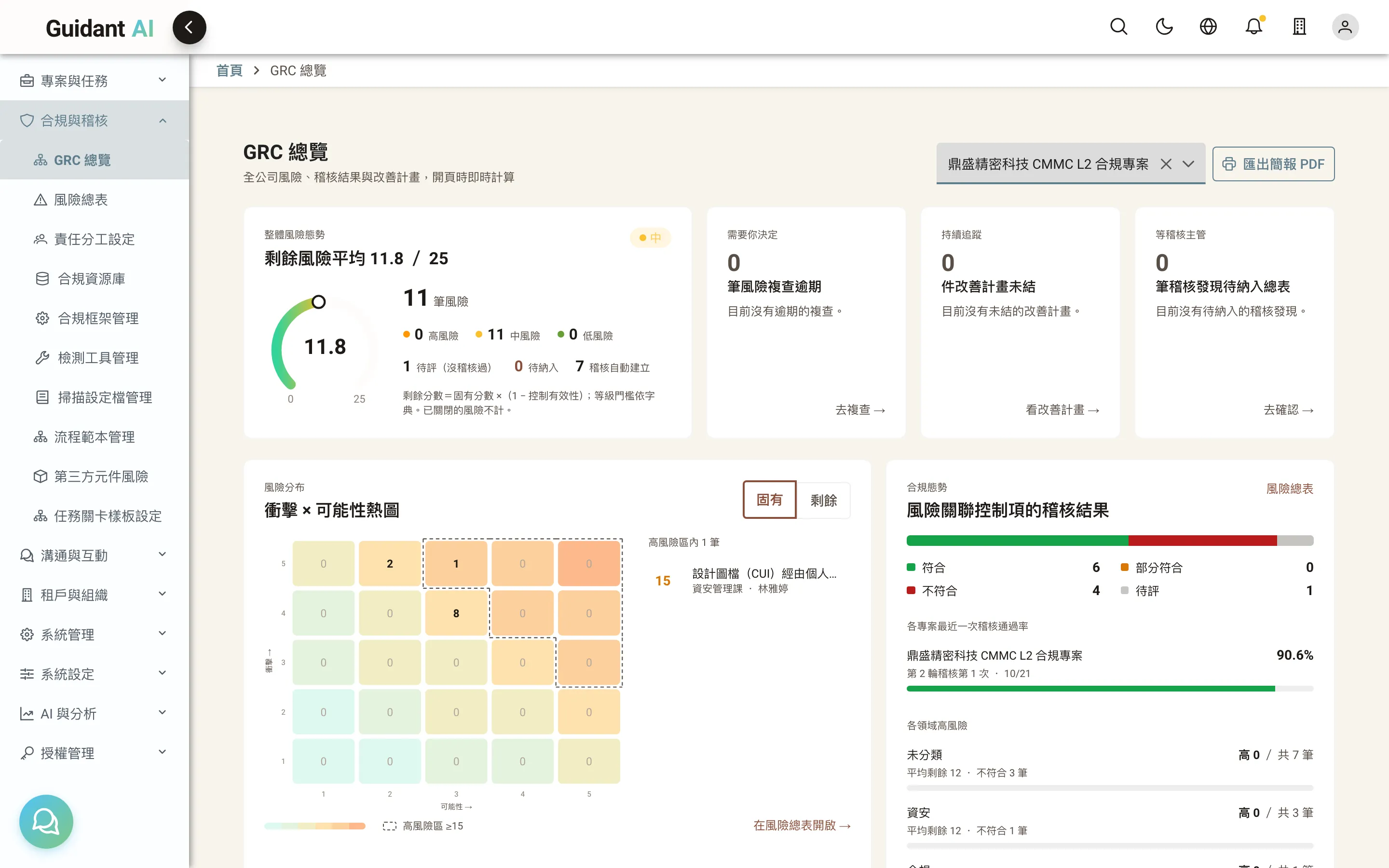
The questions management asks, answered on one page
Which department needs attention? Where is the biggest risk? Is any remediation overdue? Once a compliance programme matures, these questions arrive. The GRC module rolls project results up to company level.
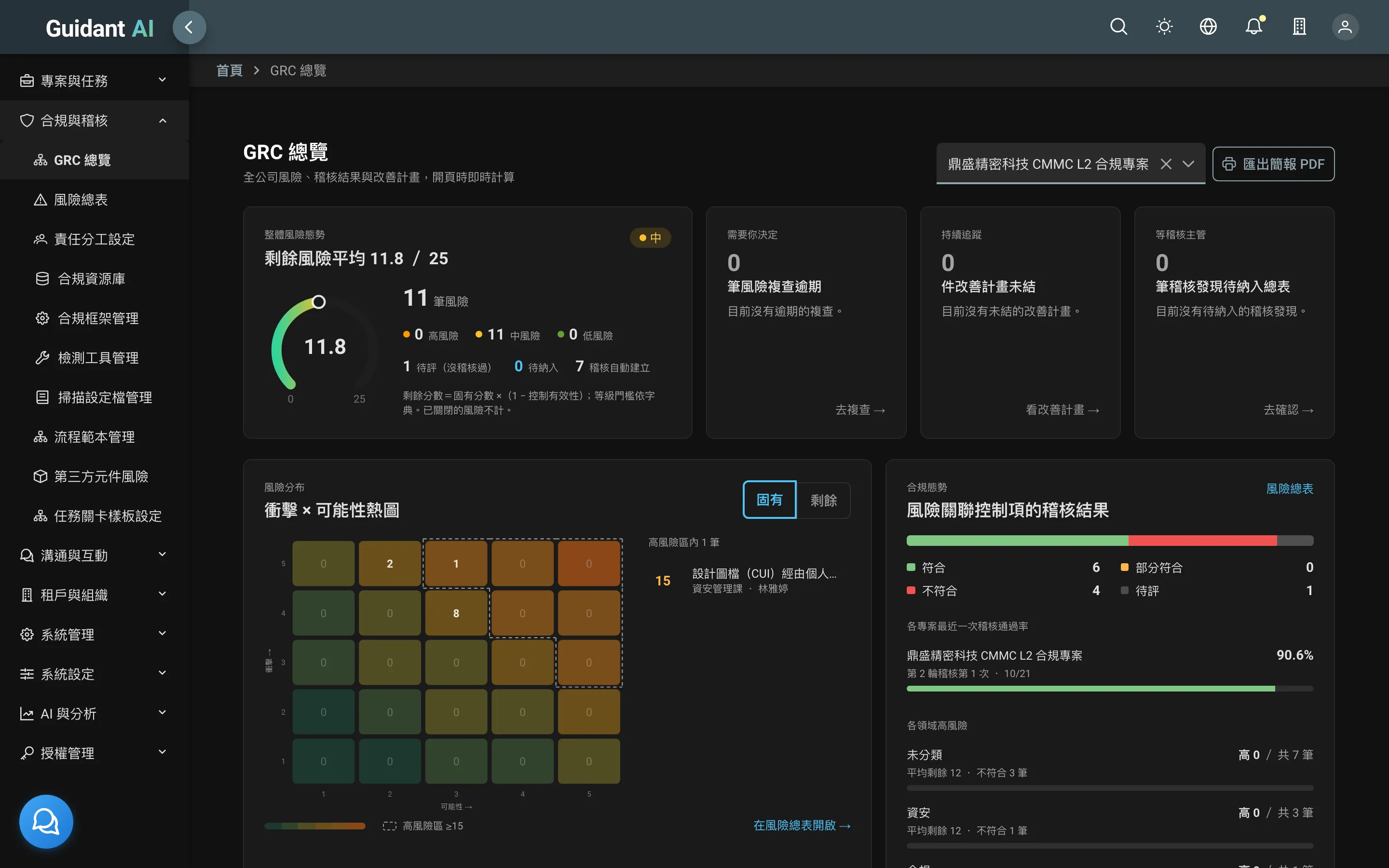
- GRC overview: risk posture, 5×5 heat map, department scorecards, next year’s review schedule; exportable as slides
- Risk register: one table for the whole company; non-conformities can be registered as risks after confirmation
- RACI: which department owns each control, who executes, who is informed
11
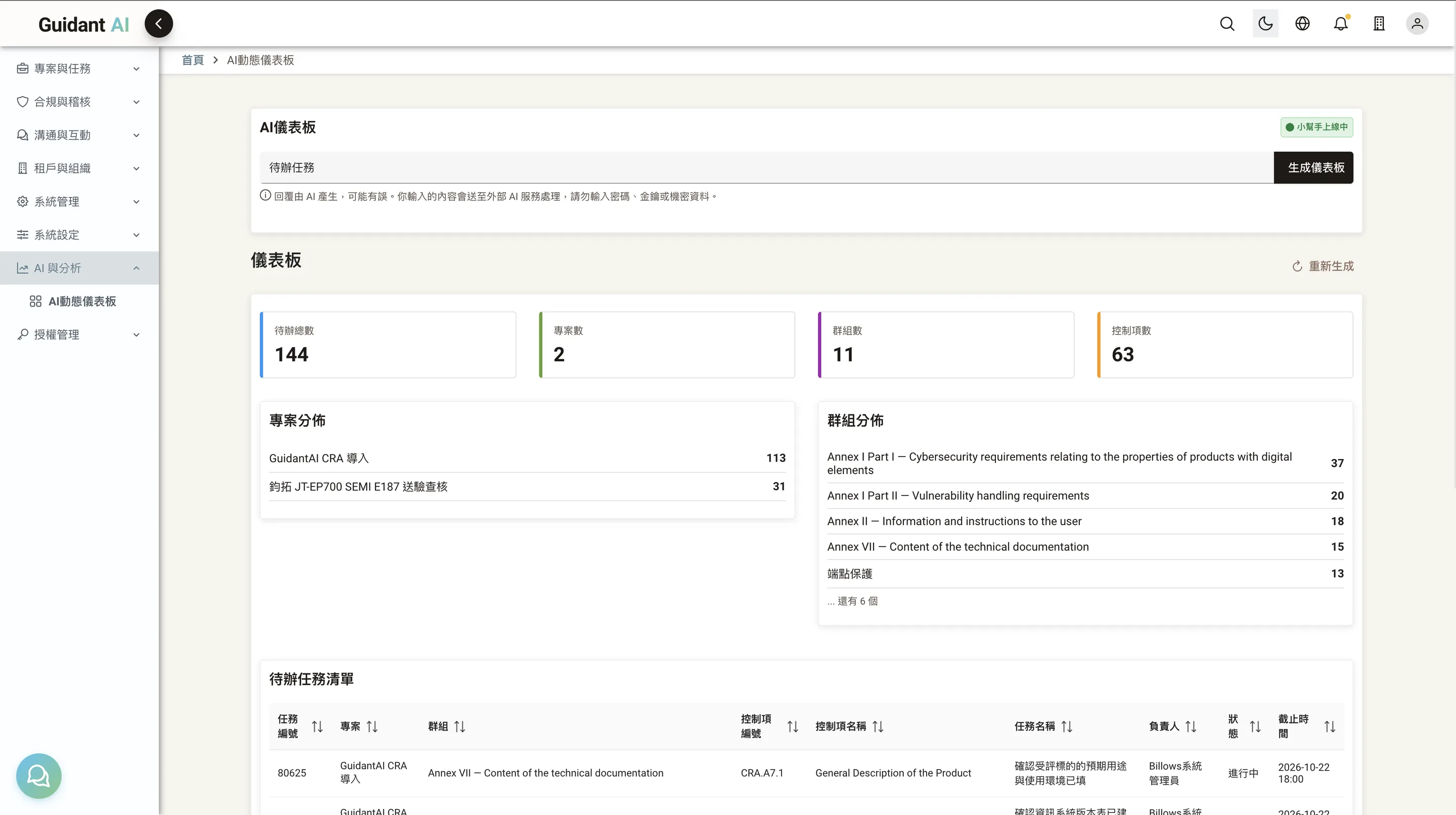
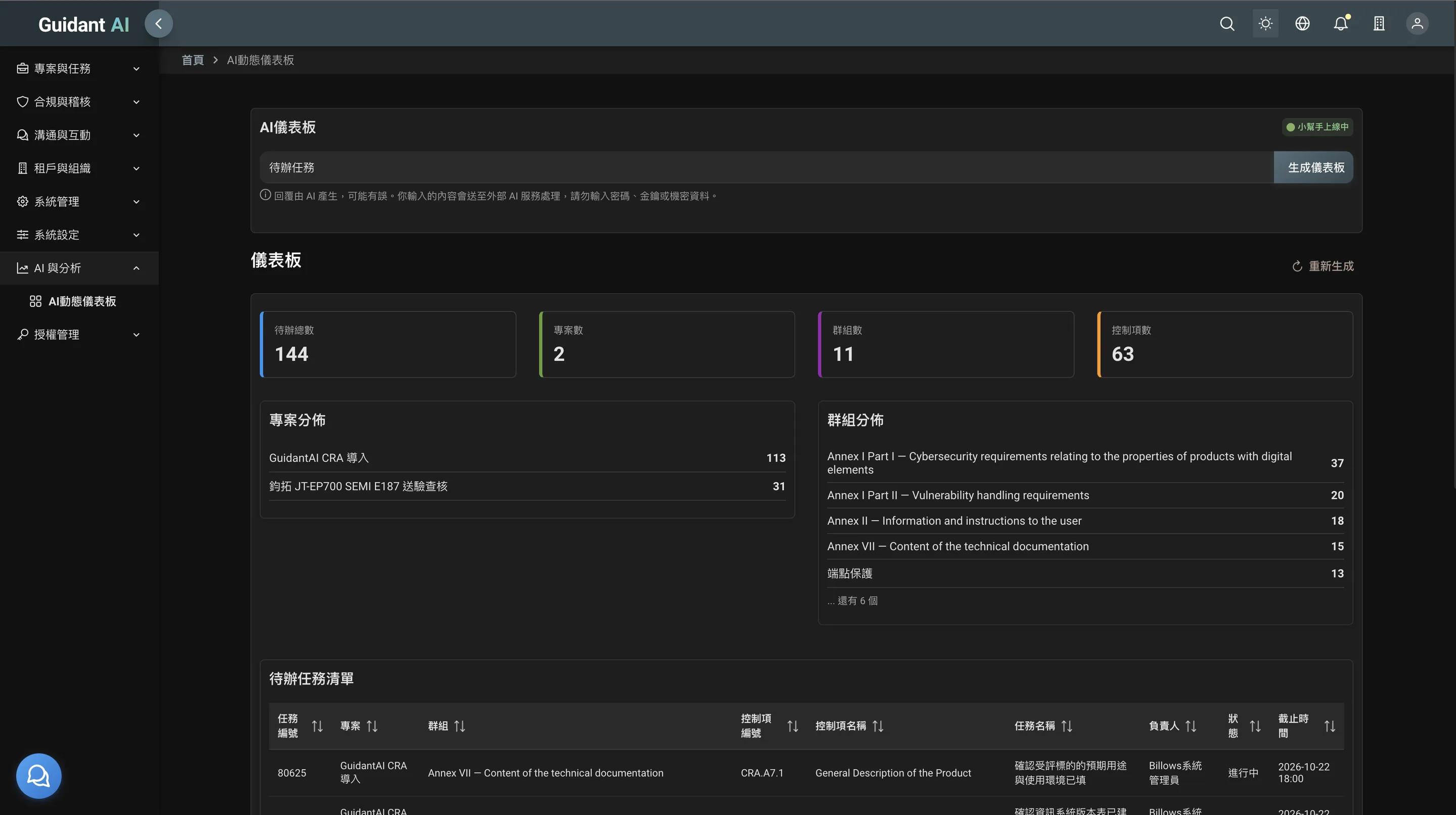
AI assistant and AI dashboard
Ask about the system, ask about the regulation, or describe a chart
- AI assistant in the corner of every page, answering system questions and compliance questions (CMMC, ISO 27001, controls, evidence, audit practice)
- AI dashboard: type “non-conformities per project” and get the chart and the table
- AI gateway: every call is screened for injection and abuse, metered and logged
12
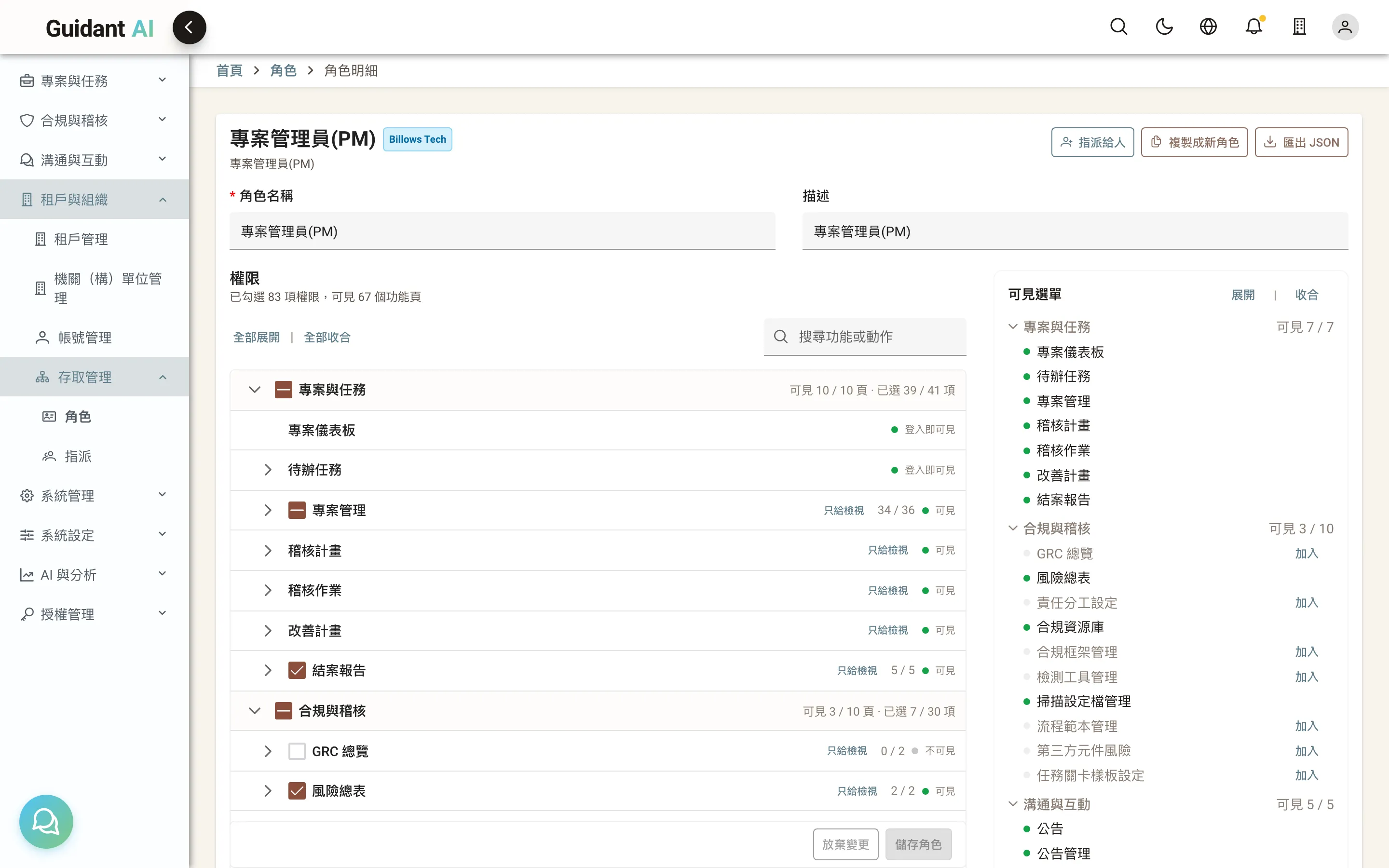
Enterprise administration and on-premises deployment
Meets enterprise IT requirements, installed in your data center
- A complete installer for your own servers; evidence files stored wherever you specify
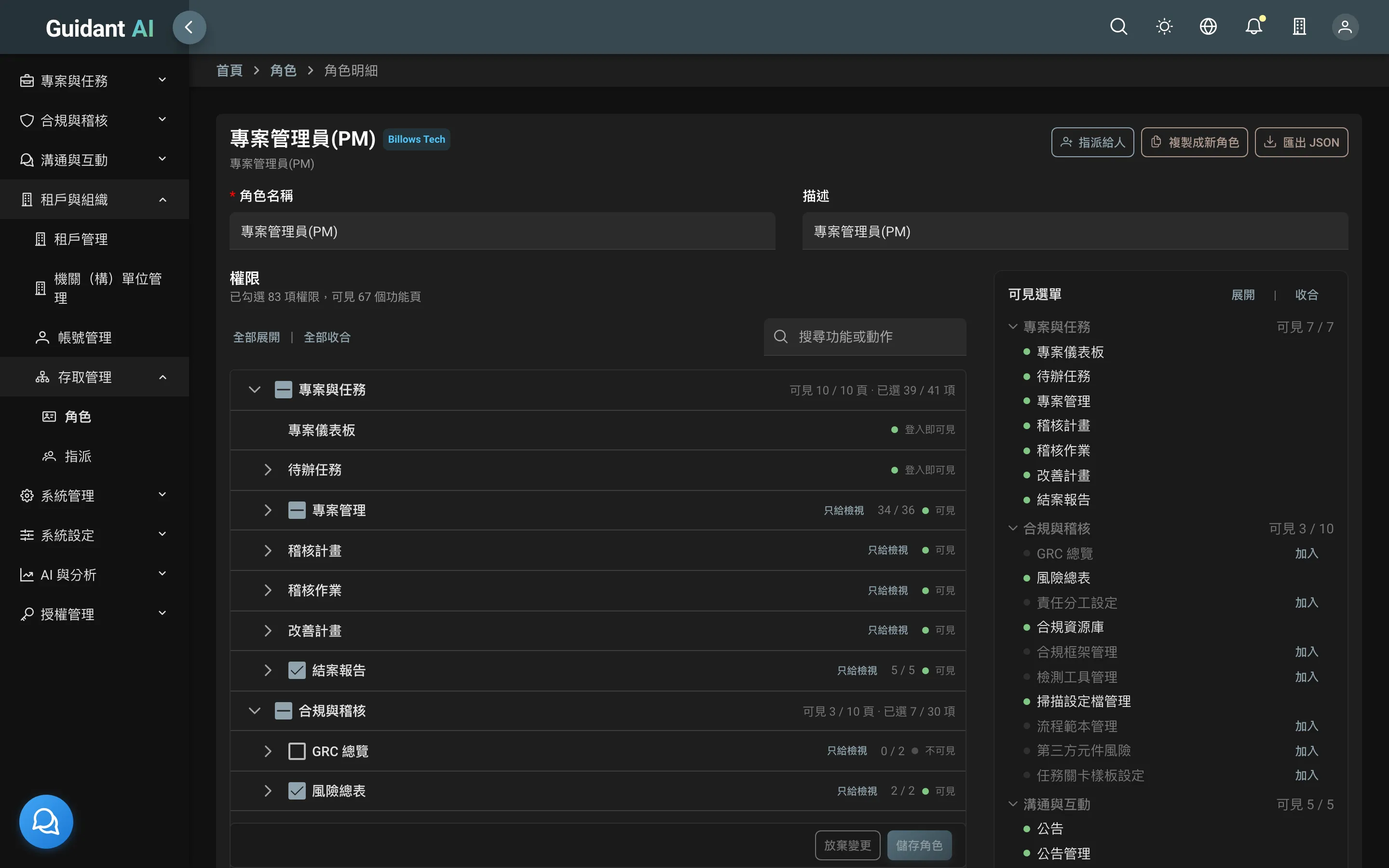
- Access management: who, which role, which scope, until when; access expires on schedule
- Enterprise integration: LDAP accounts, MFA, security policies, log forwarding to your SIEM (Syslog/GELF), email and instant notifications
- Multi-tenant and departmental: group, subsidiary and department tiers with isolated data
- Compiled binaries with integrity verification at startup
More features
Questionnaires
Design questionnaires and attach them to tasks for audited teams to answer
Announcements and feedback
In-app announcements; issue reports can sync to GitLab or GitHub
Cloud integration
Pull evidence from Google Drive folders
Asset inventory
Information systems and devices, including versions and support periods
Languages
Traditional Chinese and English interfaces
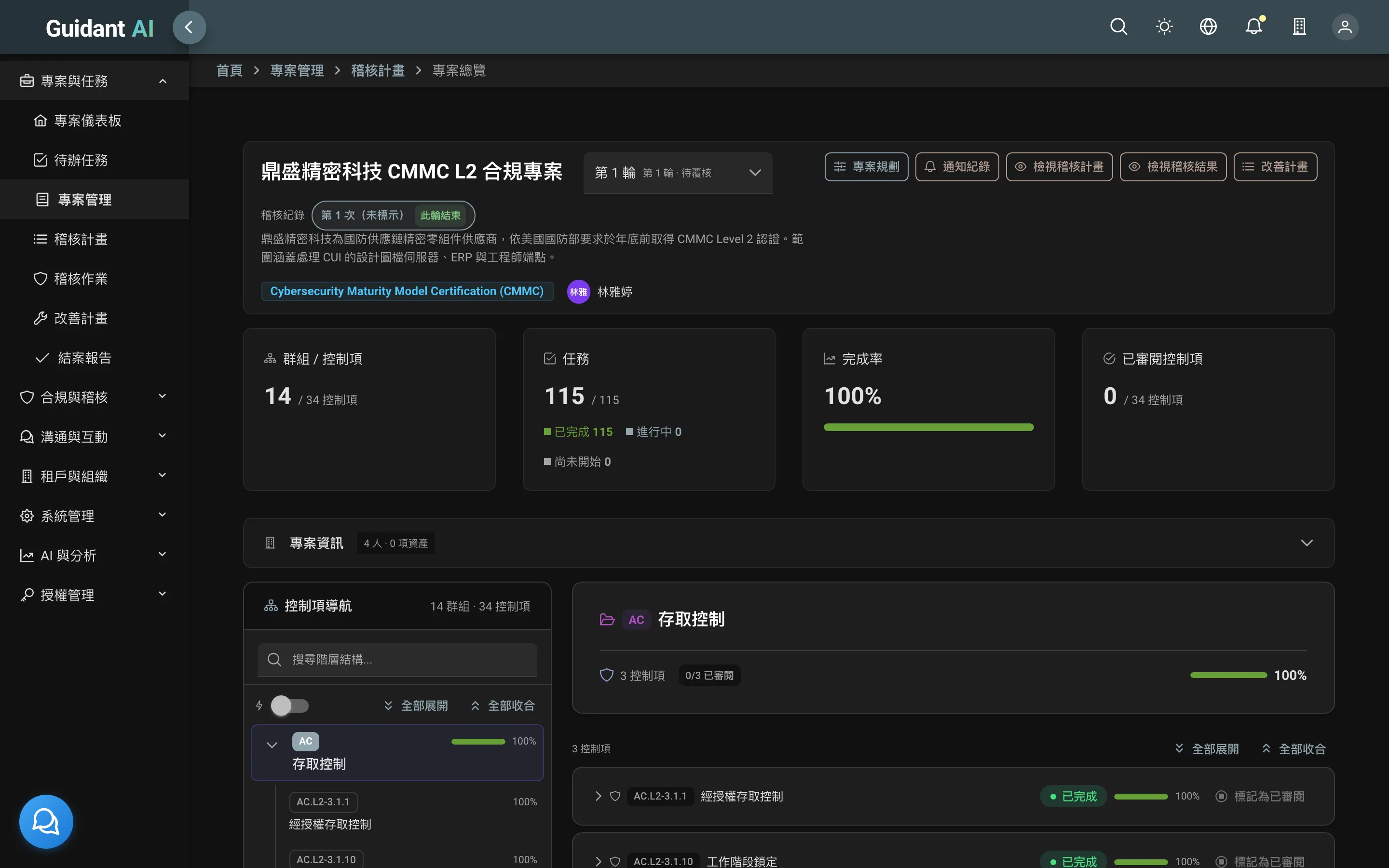
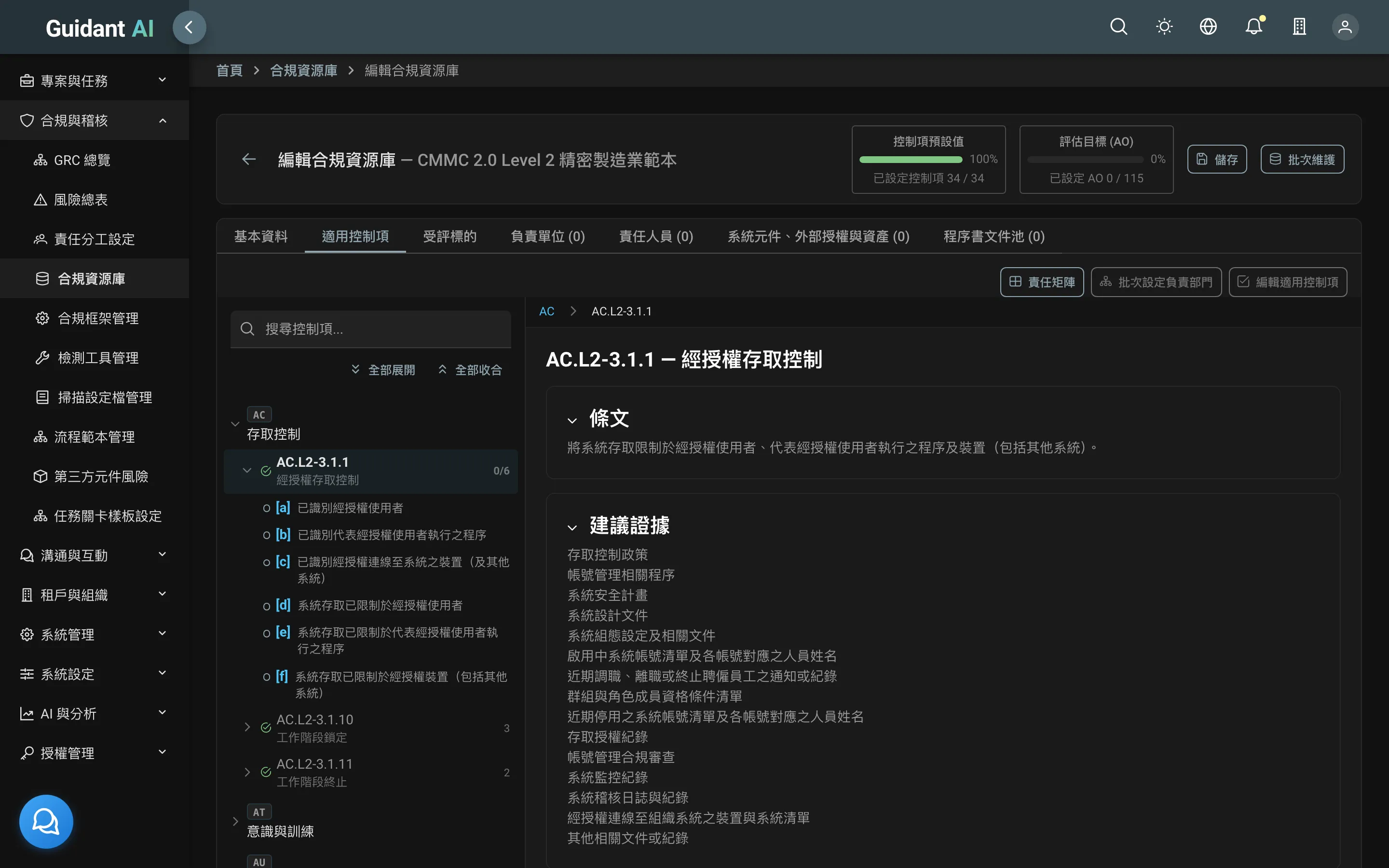
Light and dark themes
Switch to suit your preference
Deployment
- Where it runs
- Your own servers or private cloud
- Where data lives
- Entirely in your environment; evidence files on local disk, SeaweedFS object storage or a designated file agent
- Installation
- Complete installation package, manuals and video tutorials
- Licensing
- Licensed by module; enable modules in stages
What we commit to
- Public vulnerability disclosure policy and security advisories →
- An SBOM for every release
- Every version supported for at least five years
Bring the framework you are preparing for
Thirty minutes, walked through with your controls and your evidence. Not a generic demo.